

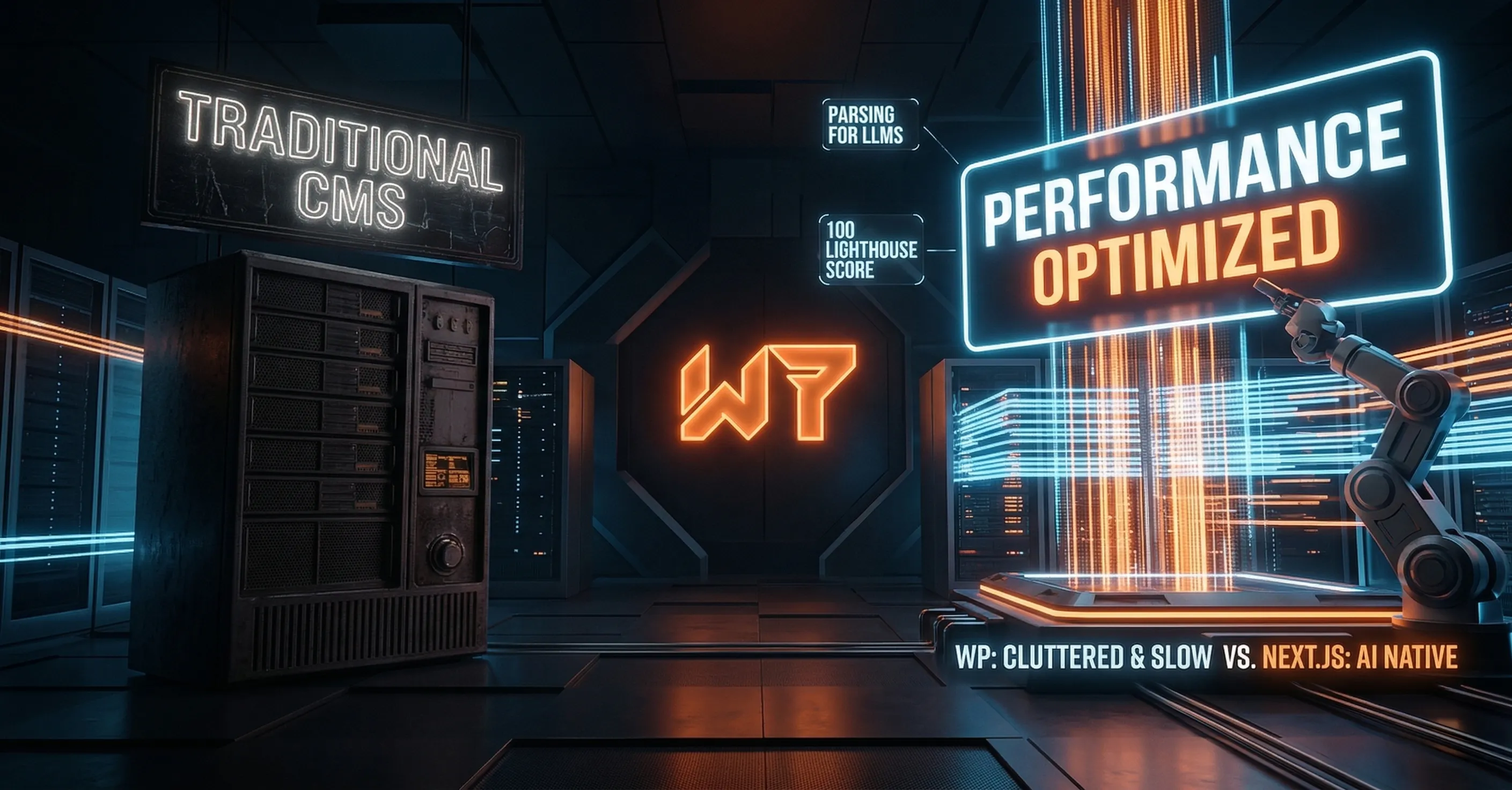
Every web design conversation eventually comes down to "should we use WordPress?" The honest answer: for most small businesses in 2026, the answer is no, and here's why the alternative is better in every measurable way.
The CMS Promise vs. Reality
Content Management Systems like WordPress were built to solve a real problem: business owners wanted to update their own websites without hiring a developer every time. That's a legitimate need. The problem is that the solution, a database-driven, plugin-dependent, PHP-based platform, creates a different set of problems that cost more to deal with than the original one.
WordPress
- • Slow without expensive caching plugins
- • 90% of CMS hacks target WordPress
- • Monthly plugin/theme maintenance required
- • Design is limited by theme constraints
- • Hosting costs go up as traffic grows
Webflow / Squarespace
- • Monthly SaaS fee, always
- • Limited to what the platform allows
- • No code ownership
- • Locked to their hosting
- • Moderate performance, not elite
W7 Static Next.js
- • Sub-second load times, globally
- • Near-zero attack surface
- • No maintenance overhead
- • Full design freedom
- • Flat hosting cost regardless of traffic
What "Static" Actually Means
Static doesn't mean simple or outdated. It means the website is pre-built, all the HTML, CSS, and JavaScript is generated at build time and stored as files on a CDN. There's no database query, no server rendering, no PHP execution for each visitor. The file is just sent directly from the nearest edge server to the browser.
The result: pages load in under 200ms. No database means no SQL injection vulnerabilities. No server runtime means no server to maintain or scale. It's inherently faster, more secure, and cheaper to run than any CMS alternative.
But Can You Update It?
Yes, and more easily than you might think. We build admin dashboards when clients need them, use headless CMS tools like Contentlayer or Sanity for content-heavy sites, and manage updates directly through Git deployments that take 30 seconds to go live. Most small business sites don't need daily content updates, and when they do, we handle it.
The Performance Difference in Real Numbers
The average WordPress site scores 45-65 on Google Lighthouse. The average Waldo7Labs build scores 90-100. That gap translates directly to Google rankings: page speed is a confirmed ranking factor, and Core Web Vitals (which measure real-world performance) are weighted in Google's algorithm.
A client who switches from a WordPress site to a W7 build typically sees a meaningful improvement in local search rankings within 60-90 days, from the performance improvement alone, before any other SEO work.
Curious what your site scores?
Free Lighthouse audit. See exactly where you stand.
What clients say
“He stepped in and quite literally saved us during a significant administrative shift within our organization. He has the quickest turn-around on projects and response to inquiries of anyone we have ever worked with, and his design work? Beautiful!”
“Jesse is truly the best — sharp, dependable, and a pleasure to work with. He built BBQ King's website and knocked it out of the park. We're thankful to have him as a partner for whatever tech comes next.”
“Waldo7Labs completely transformed our online presence. The new website is stunning and has made managing our program so much easier. They understood exactly what we needed and delivered beyond expectations.”