
The short answer
Put a job on an online calendar when it has a set length and a set price. Everything else gets a short request form and a quick reply from you.
Add a small deposit to anything that holds a real spot on your day. That one step stops most no shows.
Owners ask me for "online booking" all the time. Most of them do not want a calendar. They want fewer phone calls about times, fewer people who forget, and a full day that stays full.
A calendar is one way to get there. For a lot of service businesses it is the wrong way. Here is how I sort it out, job by job.
The calendar test
Ask two questions about each kind of job you do.
- Does it take about the same time every time?
- Can you say the price before you see it?
Two yeses means it can go on a calendar. One no means the customer should ask first and you should answer.
Book it
- A dog groom by size
- A 60 minute lesson
- A consult or estimate visit
- An oil change or tire swap
- A pressure wash for a set size driveway
Quote it first
- A roof leak
- Clearing a lot or grading
- A remodel or deck
- A custom paint or body job
- Anything you need photos to price
That last line matters. A roofer cannot book a roof online. But a roofer can let people book the free estimate visit, and that is the call he was taking twenty times a week anyway.
Jobs that fit, and the slot to give them
| Kind of business | What to put on the calendar | What to leave off |
|---|---|---|
| Groomer or pet sitter | Each service by pet size, with its own length | Matted coats and first visits for anxious dogs |
| Lessons, tutoring, training | Fixed length sessions and a free first call | Group events that need a headcount first |
| Auto shop | Oil changes, inspections, tire swaps | Diagnosis, body work, custom builds |
| Contractor or trade | The estimate visit, in a window like 8 to 10 | The job itself |
| Cleaning service | Standard cleans by home size | Move out cleans and anything heavy |
Deposits are the no show fix
A free booking costs the customer nothing to forget. A small deposit changes that. People show up for things they paid for.
It also weeds out the folks who were never going to come. If someone will not put down a small amount to hold your Saturday, you just learned something.
Keep it simple:
- Make the deposit small next to the job, and say it comes off the final bill.
- Say plainly when it is refunded. For example, moved with a day's notice, it carries over.
- Take it through a payment company people know, so the money lands in your own bank.
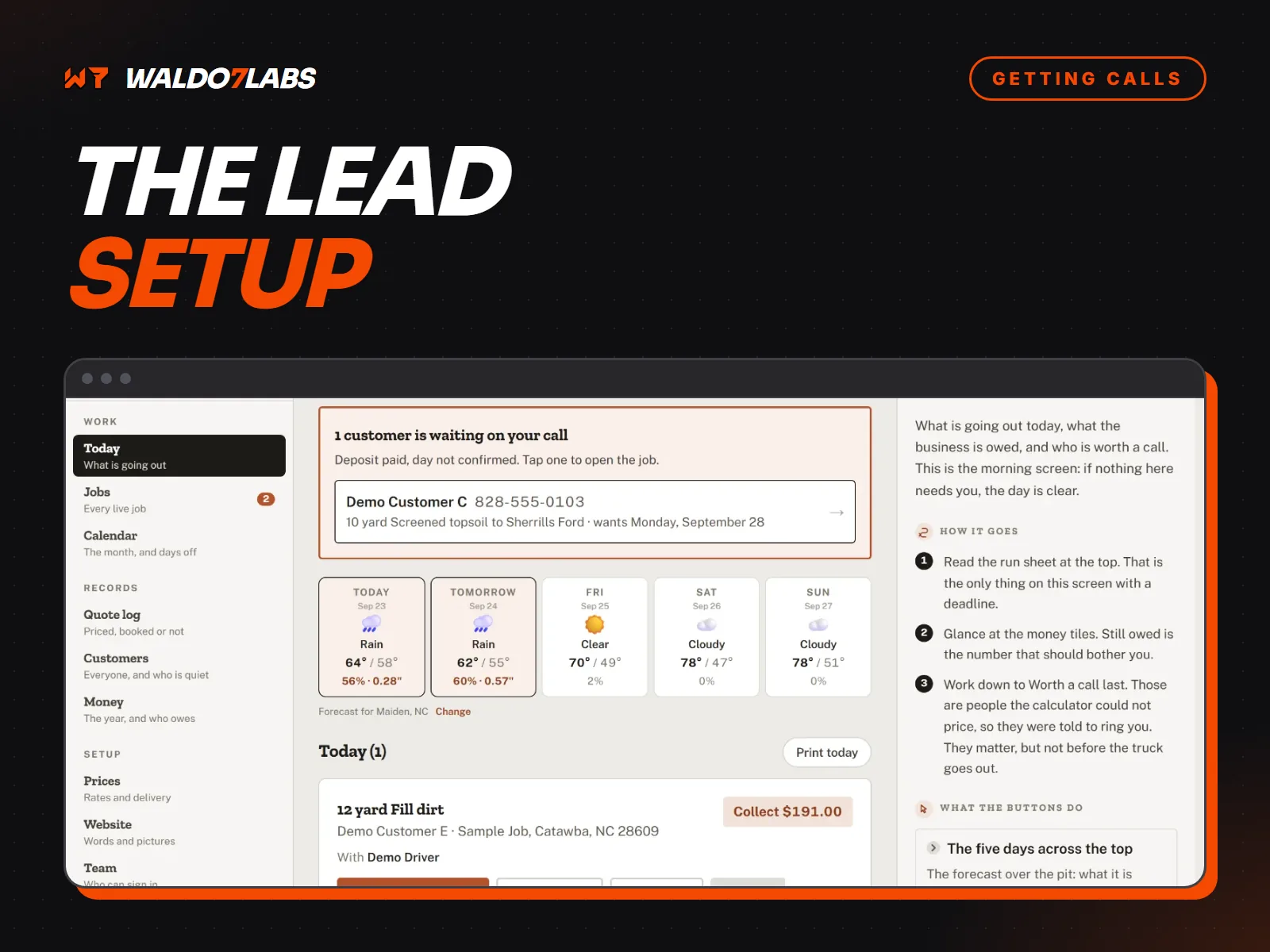
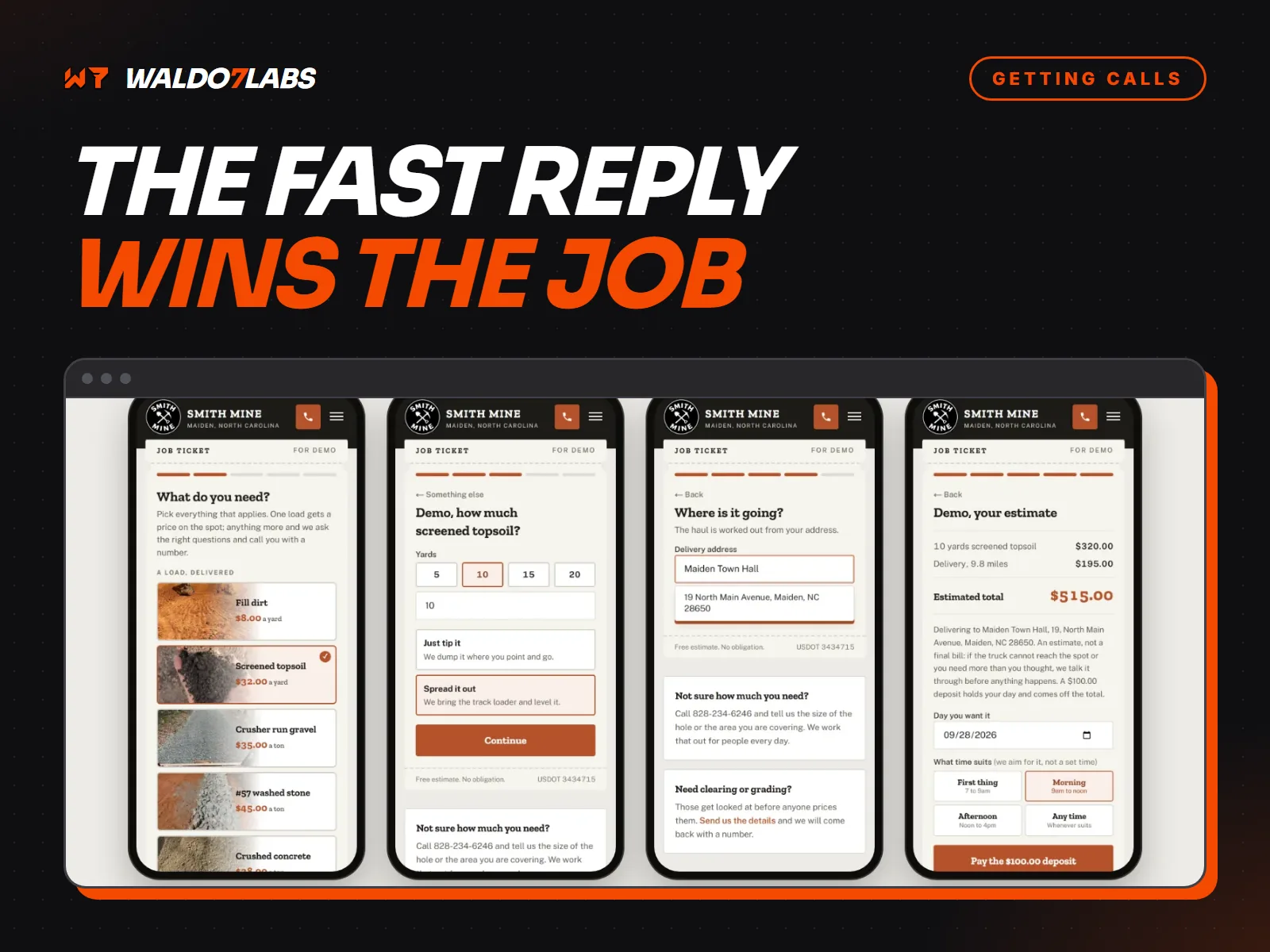
That flow is the point of the whole thing. Matt does not run an online calendar for every load. The site prices the load, the deposit holds the day, and he still decides the date. When it rains, he moves the whole day at once and everyone on it with an email hears about it.
Leave room between jobs
The fastest way to hate online booking is to let it pack your day like a spreadsheet. Real days have drive time, cleanup and the job that ran long.
Set a buffer after every job
Fifteen or thirty minutes, whatever your real cleanup and drive takes. The calendar should never show back to back slots unless you truly work back to back.
Use windows, not exact times, for anything on the road
"Between 8 and 10" is honest for a trade. "8:00 sharp" from a truck in traffic on NC 16 is a promise you will break.
Cap the day
Decide how many bookings a day you can do well and set that as the limit. Leave the rest of the day for quotes, callbacks and the job that surprised you.
Block your own time first
Kids' games, supply runs, the morning you never work. Put them on the calendar before you open it to the public, or someone will book them.
Close booking a day ahead
Same day bookings are hard to plan around. Let people book through tomorrow and ask them to call for today.
The reminder that saves the slot
Most no shows are not rude. People forget. A short reminder the day before fixes a lot of it, and it gives them an easy way to move instead of just not showing.
Tomorrow at 10
Hi Dana, reminder: Bella's groom is tomorrow at 10. Reply 1 to confirm or 2 to move it.
1! See you then
Great. Park by the side door. See you at 10.
Keep it that plain. Their name, what, when, and one thing to do. Skip the logo, the links and the paragraph about your policies.
What the customer sees on a phone
Almost everyone books from a phone. Most of them are doing it between other things. So the booking screen has one job: get them from "I need this" to "booked" without thinking.
Run this on your own booking page, on your phone
- The service names make sense to a customer, not just to you.
- Each service shows how long it takes and what it costs, or where it starts.
- Open times show up on the first screen without scrolling.
- The form asks only for name, phone, email and anything you truly need to do the job.
- The deposit amount is shown before the card box, with what it covers.
- The confirmation says exactly what happens next and how to move it.
- Your phone number is there for people who would rather just call.
If you fail more than two of those, people are bailing halfway through. You will never hear from them, so it looks like nobody wanted to book. I wrote more about that quiet kind of loss in where your website form is losing leads.
When a request form beats live booking
For most trades, I build a request form instead of a live calendar. It asks for the address, a few photos, what is wrong, and two or three times that work. The owner picks one and confirms.
That feels slower. It is not. Nobody gets booked into a slot the owner cannot make, nobody shows up to a job that needed a different tool, and the owner prices it before the truck rolls.
Freedom Locksmith works this way, and it is a good example even though they are down in Wesley Chapel, Florida. People tap their car's make, the quote form fills it in, and it goes to Paul by text. A locksmith cannot book a lockout for next Tuesday. He needs to know the car, now.
The request form only works if you answer it fast. If you are slow to reply, the form is a list of people who hired someone else. That is the whole story in why contractors lose jobs to slower competitors.
And when you are under a sink
Some people will always call. If you miss those calls on the job, a booking page will not help them. That is what the phone helper is for. It picks up, takes the details and sends them to you, and it starts at $79 a month.
What I build, and what it costs
On a site I build, there are two add ons for this. Here is exactly what each one does.
Let people book online starts at $149 one time. Customers pick a real open time on your site, and you and they both get an email for each booking. If you already use a booking app, I connect that one instead.
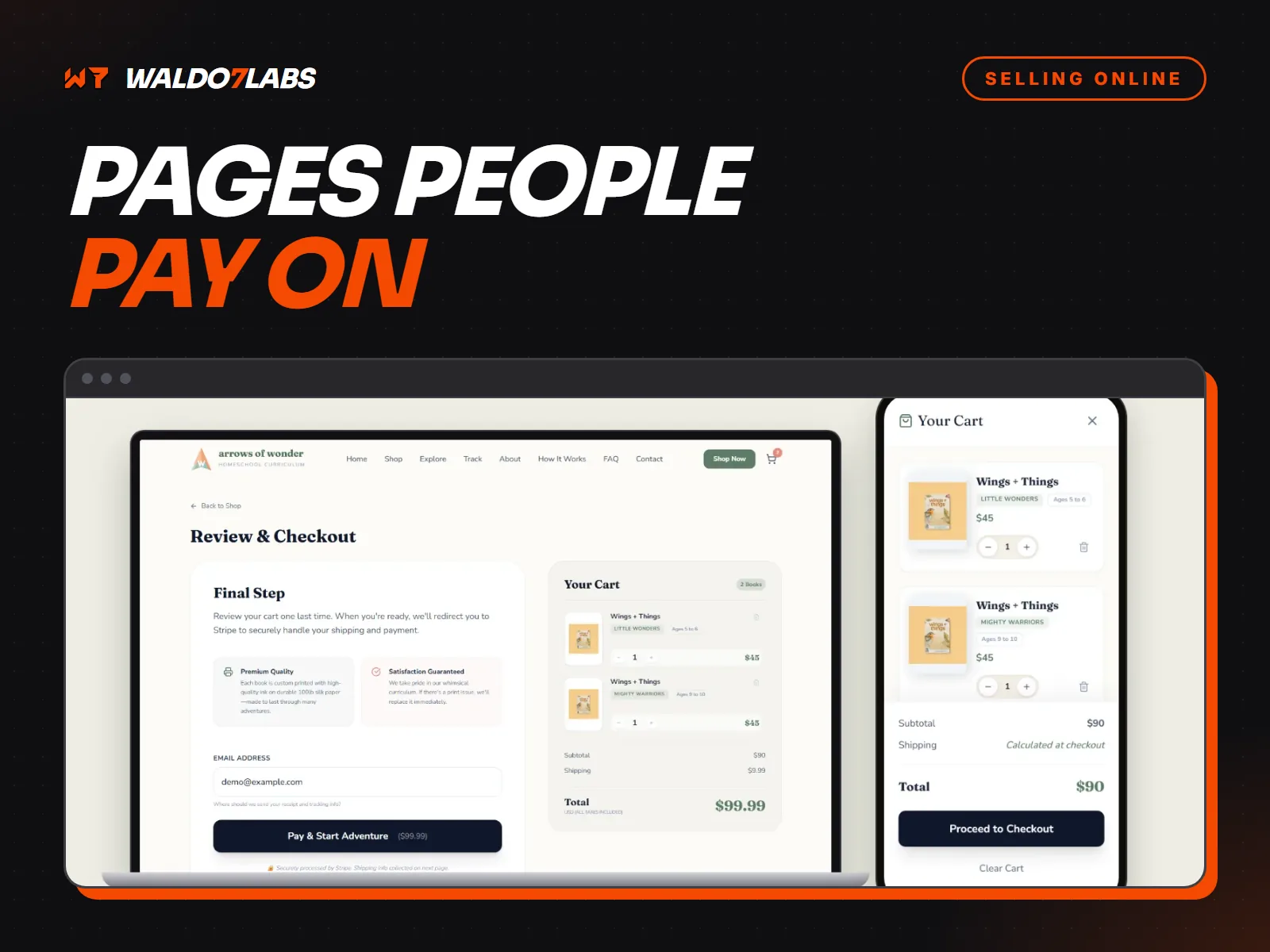
Take deposits and send pay links starts at $295 one time. You get a deposit button on your site and pay links you can text from your phone. The money goes to your own bank through Stripe. I never touch it, and I take no cut of your jobs.
Not sure which you need? Tell me how your day really runs on a quote request, and I will say plainly which piece fits, or if you need none of it. For the bigger picture of every piece a service site can have, read the lead setup behind a service business website, and for making the pay step feel safe, read taking payments on your website.
Quick answers
Should my service business have online booking?
Only for jobs with a set length and a set price, like a tune up, a lesson or a consult. Jobs that change with the house, the yard or the car need a quote first, so a short request form works better there.
How do I stop no shows on online bookings?
Take a small deposit when they book, send a reminder the day before, and make it easy to move the time instead of just not showing up. A deposit alone does most of the work.
What does online booking cost?
The booking add on starts at $149 one time on a site I build, and taking deposits with pay links starts at $295. Card fees go to Stripe. The current prices are always on the pricing page.
Can online booking work with the app I already use?
Yes. If you already run Square, Calendly or another booking app, I can connect it to your site so you keep one calendar instead of two.
Is a request form better than live booking?
For a lot of trades, yes. A request form asks for the address, photos and a few good times, and you confirm. Nobody gets booked into a slot you cannot really make.