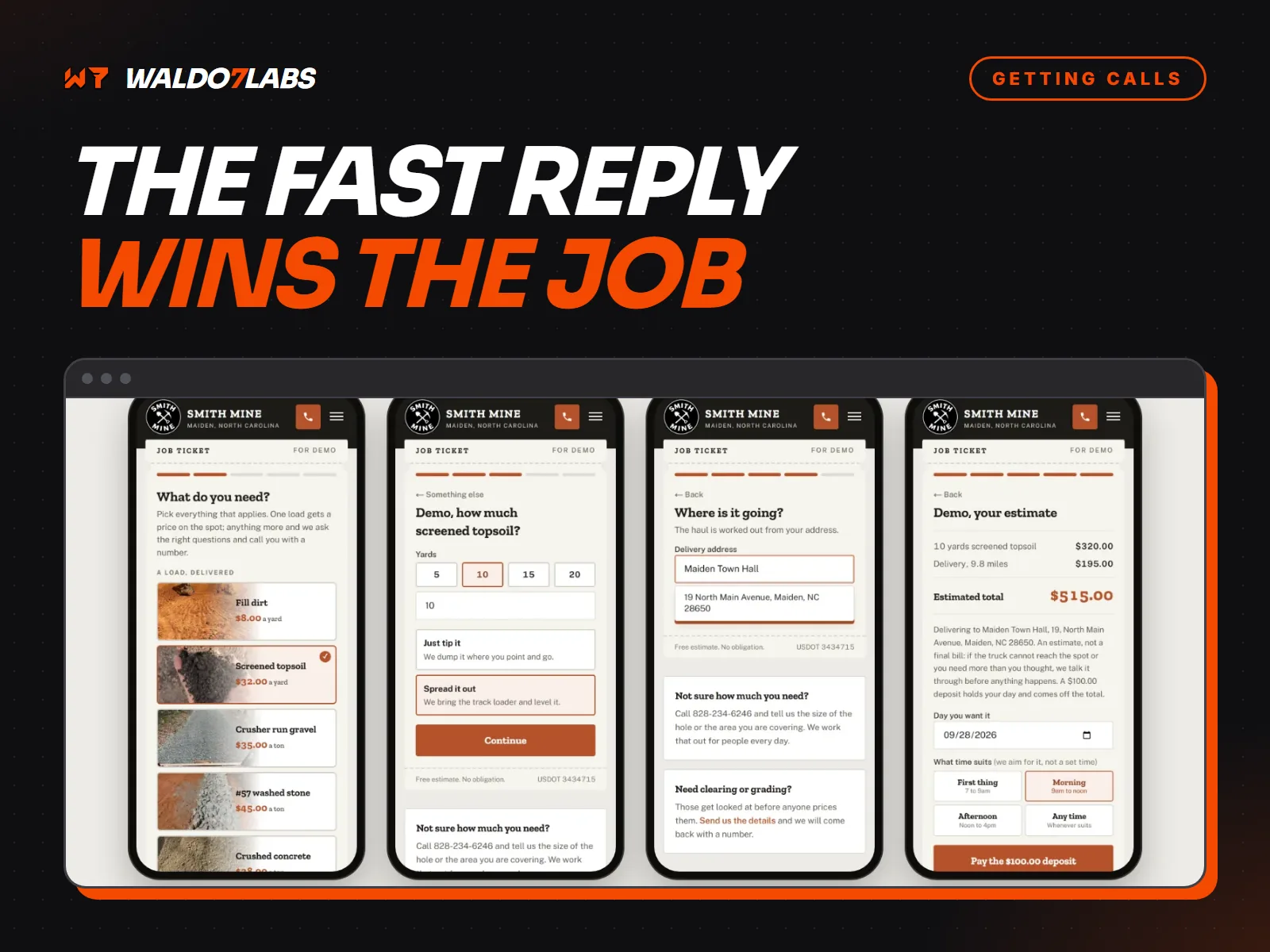
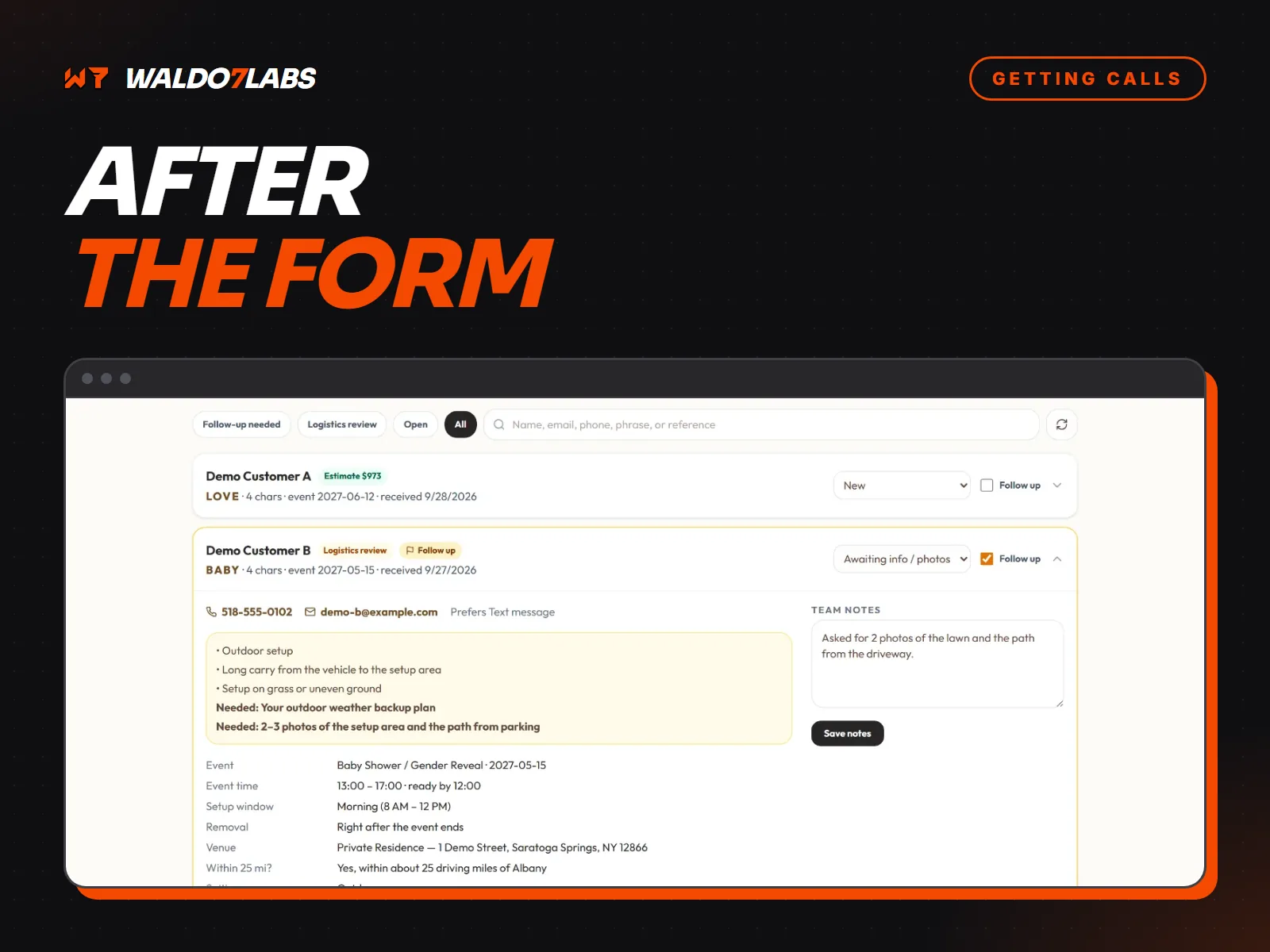
Most small business websites end at the contact page. Someone fills in the form, an email lands somewhere, and whatever happens next depends on how busy the week is.
Getting that first reply out fast matters a lot, and I cover it in why contractors lose jobs to faster competitors. This post is about everything after the first reply. The quote that went quiet. The happy customer you never asked for a review. The family you did a great job for two years ago who just hired somebody else because they forgot your name.
That is work you already paid to attract. Here is how to stop letting it slip.
Every lead has a life
Before any tool, it helps to see the whole path. A lead is not done when you call back. It moves through a handful of stages, and work leaks out at every one of them.
The five stages of a lead
- New
- They called, texted or sent the form. Nobody has talked to them yet.
- Quoted
- You gave them a price. Now you wait, and this is where most work slips.
- Booked
- They said yes. There is a date, maybe a deposit.
- Done
- The job is finished. This is the moment to ask for a review.
- Past customer
- They trust you. They will need you again, if they remember you.
If you cannot say, right now, how many leads sit in each stage, that is the first thing to fix.
Step one: one list, not five
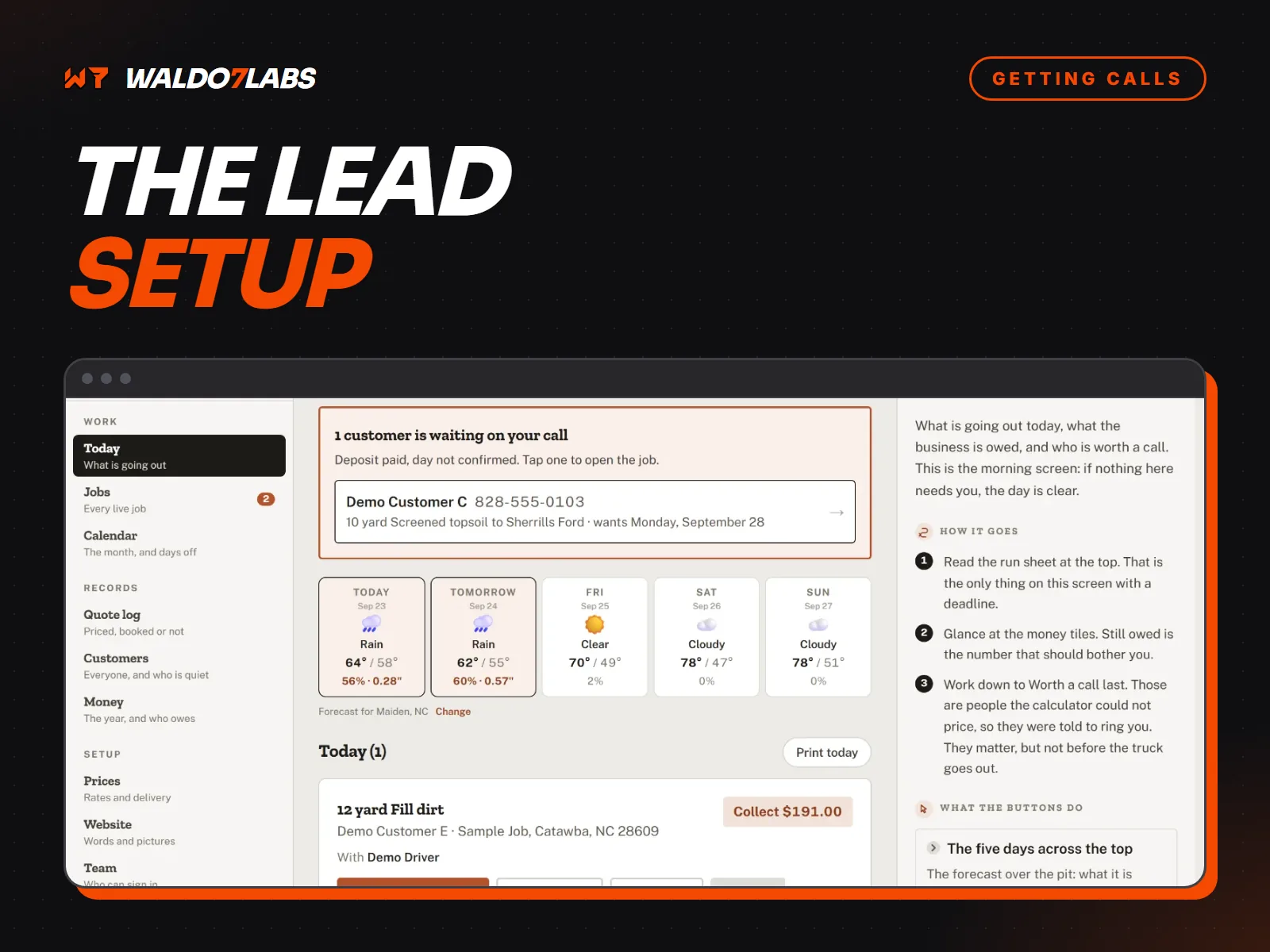
Calls, texts, website forms, Facebook messages, the note your cousin passed along at church. If they live in five places, some get lost. The fix is one list with a stage next to every name.
Leads in your head
- Some in texts, some in email, some on a napkin
- No idea which quotes are still open
- Follow ups happen when you remember
- Past customers fade out after a year
Leads on one list
- Every lead lands in the same place
- Open quotes are easy to see on a Friday
- Follow ups go out on a schedule
- Past customers get a note at the right season
A shared spreadsheet with five columns works fine for most small shops: name, phone, what they need, stage, and the date of the last contact. When it starts eating your evenings, that is when a dashboard built into your site earns its keep.
The follow up calendar
Here is a simple rhythm that works for most service businesses. Copy it, change the days to fit your trade, and stick to it.
- Day 0
The quote goes out. Send it the same day you looked at the job if you can. Say when it is good until.
- Day 2 or 3
First check in. Short and friendly. Offer to answer questions or adjust the scope.
- Day 7
Second and last check in. Give them an easy way to say no. Then mark it won or lost.
- Job done
Thank them and send your direct review link the same day.
- Next season
One useful note before they need you again: gutters before fall, AC before summer, a chimney before winter.
What to actually say
Plain words beat a sales script. These are examples for a made up fence company. Change the names and keep the shape.
Text message
Hi Linda, it's Mike with Carolina Fence. Checking in on the backyard fence quote from Tuesday. Happy to answer questions or adjust it. Just reply here.
Sorry, been slammed. Can you do it without the gate?
Sure. Without the gate it comes down a bit. I'll send the new number tonight.
Notice what that first message does not do. It does not push. It does not offer a discount out of nowhere. It reminds them you exist and makes replying easy. A lot of quiet quotes are not a no. People get busy, they are comparing, or your email went to spam.
The review ask is part of the job
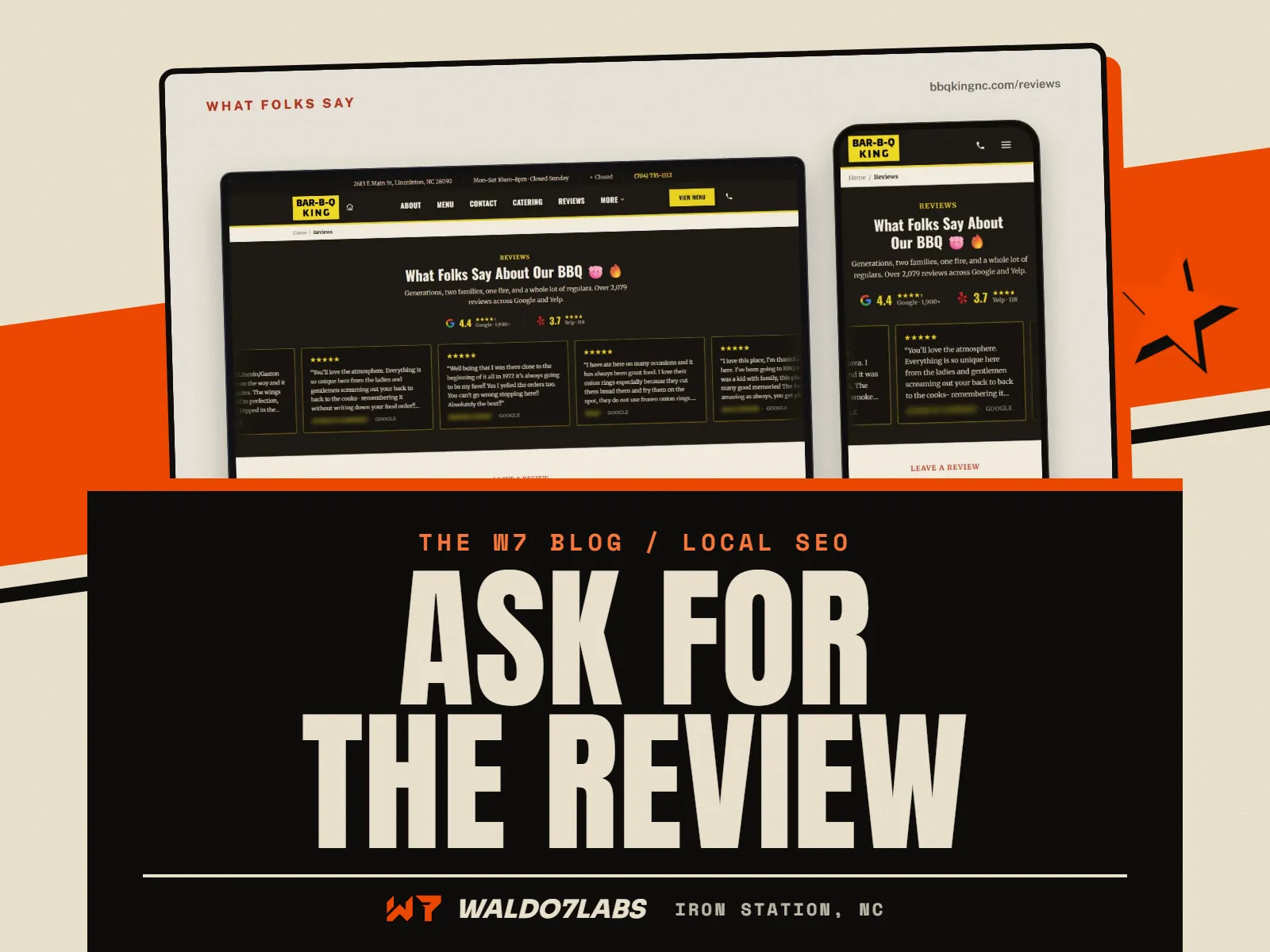
Reviews come from asking at the right moment. The right moment is the day the job is finished, while they are still happy and the work is right in front of them. Send a short text with your direct review link. Tie it to the step where you mark the job done, so it happens every time and not just when you remember.
The full how to, with the link, the QR code and what Google does not allow, is in how to get more Google reviews without breaking the rules. Why reviews move you up the map is in how to rank on Google Maps.
When the follow ups send themselves
Doing all of this by hand works when you have a few leads a week. Past that, it starts to compete with the actual work. That is when it makes sense to have the site do it.
That is the top of what I build, a Business System, and it starts at $3,495. Most shops do not need it on day one. But it shows the idea: once every lead lives in one place, the follow ups can hang off it automatically. Tools like this are on the dashboards and tools page.
Remind past customers before they need you
Past customers are the easiest jobs you will ever win. They already trust you. They just do not think about you until something breaks, and by then they search Google like everyone else.
A lot of trades have a natural calendar. Gutters in the fall. AC tune ups in the spring. Pressure washing before summer. Chimney checks before winter. One short, useful message at the right time keeps your name in front of people who already like your work. A simple email list on your site makes that easy, and collecting customer emails starts at $79 on the add ons page.
Answer the questions you cannot get to
Some visitors will not call or fill in a form yet. They want a quick answer first. Do you work in Stanley? Do you do metal roofs? Are you open Saturday? The chat helper answers on your site from your own info, day and night, and takes their name and number when they are ready. The calls you miss can be covered by the phone helper, starting at $79 a month.
Start this week, no new tools needed
- Make one list. Pull every open lead from your texts, email and Facebook into it.
- Put a stage next to each name: new, quoted, booked, done, past customer.
- Every Friday, check in once on any quote older than two days.
- Save your Google review link where you can paste it in five seconds.
- Pick one season reminder for your trade and put it on the calendar.
Quick answers
How long should I wait to follow up on a quote?
Two or three days after you send it, then once more about a week later. After that, mark it lost and move on. Two short, friendly check ins are plenty.
What should a quote follow up message say?
Keep it short and easy to answer. Name the job and the day you sent the quote, offer to answer questions or adjust it, and tell them they can just reply. No pressure, no discount unless you planned one.
What is a simple CRM for a small business?
A CRM is just one list of every lead with a status next to it, like new, quoted, booked, won or lost. A shared spreadsheet works. So does a dashboard built into your website. The tool matters less than putting every lead in the same place.
When should I ask a customer for a review?
Right after the job is done and they are happy, the same day if you can. Send your direct review link in a short text. Tie it to the moment you mark the job finished so it happens every time.