The short answer
Most happy customers never leave a review because nobody asked them, or asking took too many taps. Get your own review link, put it on a QR code, and text it the same day the job ends with a short personal note. Reply to every review. Never trade anything for one.
I build websites for local businesses around Lincoln and Gaston County, and the first thing I look at on a new project is the Google listing. The pattern is almost always the same. Great work, a lot of happy customers, and a handful of reviews from three years ago.
That is not a reputation problem. It is an asking problem. Below is the whole system I set up for clients, start to finish, plus the rules that get reviews taken down.
Why reviews matter more than you think
Google says plainly that review count and score play a part in where you show on the map. That is one reason. The bigger one is what happens after you show up.
Someone in Denver searches for a roofer. Three businesses show in the map results. They tap the one with recent reviews that say what the job was and where. Old reviews, or a handful with no words, look like a business that might not be around anymore.
So you want three things from your reviews:
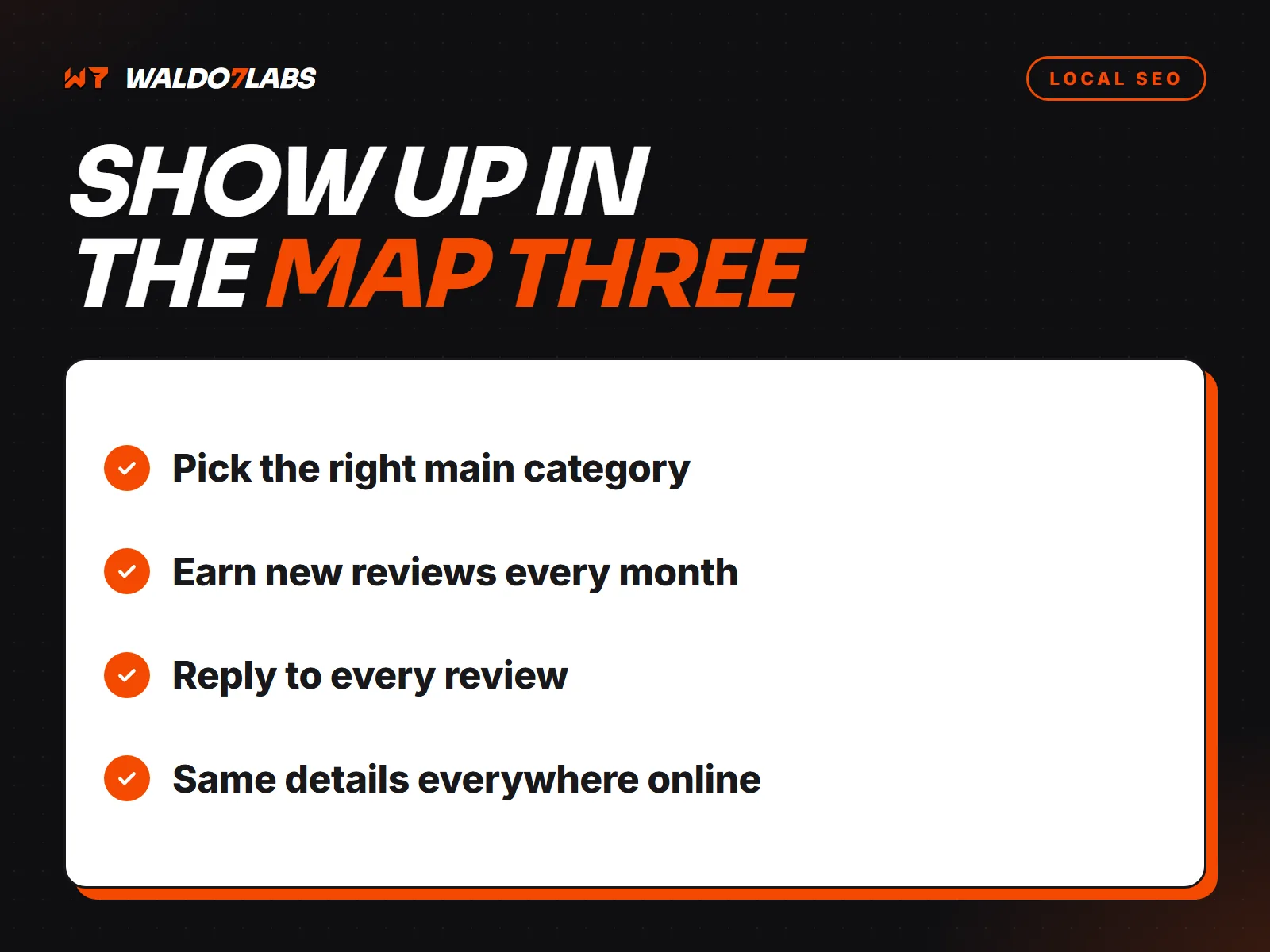
- Recent. A few every month beats a burst once a year.
- Specific. "Fixed our leaking chimney flashing in Lincolnton" helps more than "Great job."
- Answered. Every review has your reply under it.
For the full picture of how the map results get picked, I wrote up how to rank on Google Maps in Lincoln and Gaston County.
Build the kit once
Asking should take you ten seconds. That only happens if the pieces are ready before you need them.
Get your review link
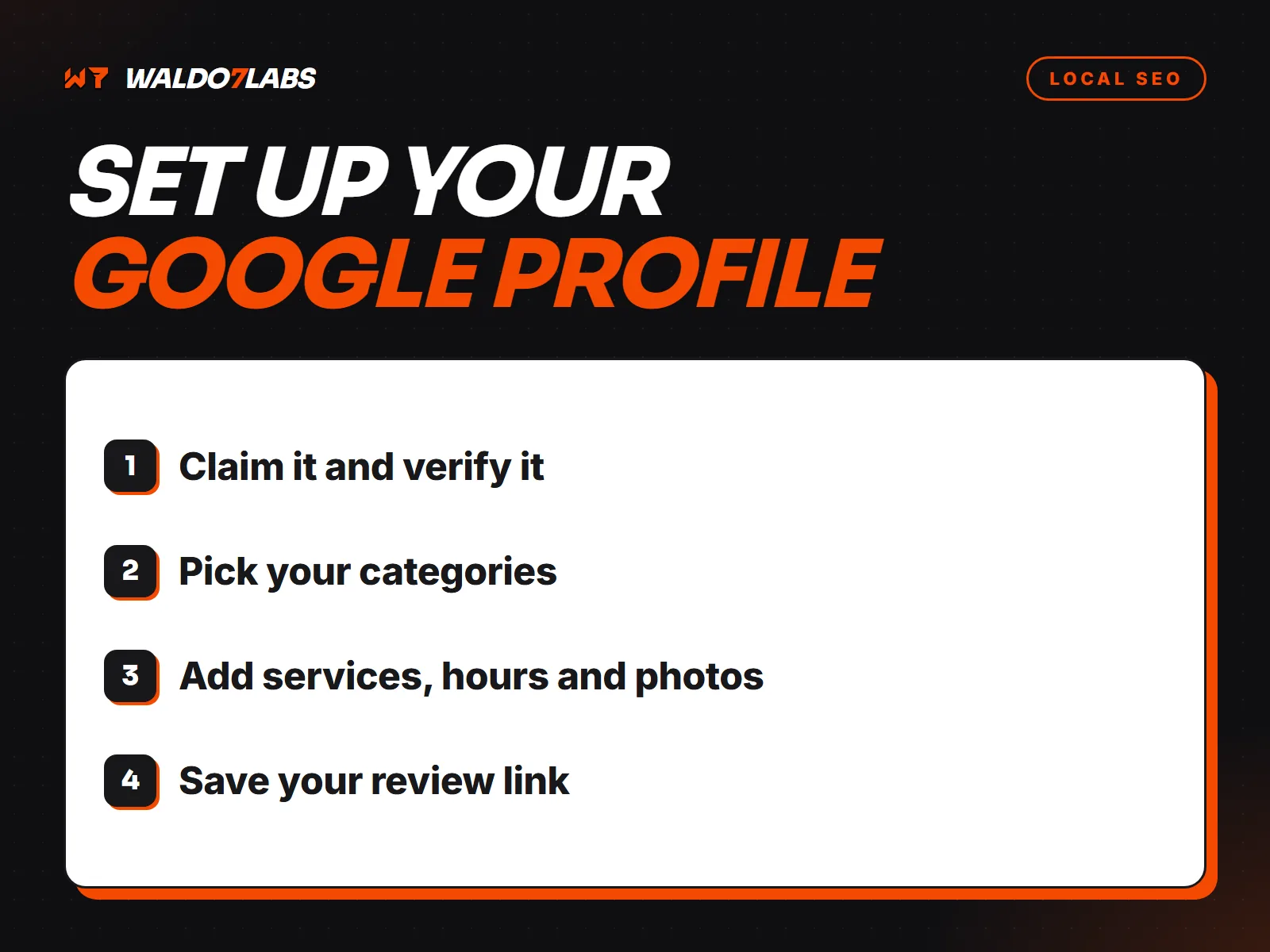
Sign in to the Google account that manages your profile and search your business name on Google. Your profile tools show up at the top. Click Ask for reviews (on some profiles it is under Read reviews, called Get more reviews). Copy the short link. It opens the review box straight away, no searching.
Save it where your thumb lives
Put the link in your phone as a text shortcut or a saved note. On an iPhone, a text replacement works well: type something like
rvwand it fills in the whole message. Android keyboards have the same idea under personal dictionary or text shortcuts.Turn it into a QR code
The same Google screen offers a QR code you can download, or any free QR maker will do it. Print it on your invoice, a counter card, the back of a business card, or a sticker inside the truck door. Test it with two different phones before you print a stack.
Put it on your website
A Leave us a review button on your site, next to the reviews you already have, catches people who come back to look you up. It also gives you one easy link to share in an email footer.
What to actually say
The ask that works is short, personal and sent while the job is still fresh. Name them, name the job, give the link, and give them an easy out. That last part matters. Nobody likes feeling pushed.
Text message
Hey Linda, thanks again for having us out to fix the deck boards today. If you have a minute, a quick Google review helps a small shop like mine more than you would think: [your link]
No pressure at all. And if anything is not right with the job, text me first and I will make it right.
Of course! Just left one. Y'all did great
Thank you, Linda. That made my day.
A few things that make the ask land better:
- Mention the job and the town if they want to. You can say "if you mention what we did, it helps other folks find us." You cannot write the review for them.
- Send it from your own number. A text from the owner gets read. A no reply email gets skipped.
- One reminder, max. If they do not leave one after a gentle nudge a few days later, let it go.
When to ask
Timing is most of it. Ask at the high point, when the customer is happiest, not two weeks later when the invoice shows up.
| Business | The best moment | How |
|---|---|---|
| Trades and repair | Right after the job is done and they have seen it | Text that evening |
| Restaurants | When a regular says something nice at the counter | QR card at the register |
| Auto and body shops | At pickup, keys in hand | Text with the invoice |
| Salons and studios | At checkout, after the mirror moment | QR at the counter |
| Delivery and hauling | When the load is down and signed for | Link with the receipt |
The habit is the whole trick. Tie the ask to something you already do every time, like sending the invoice.
What Google does not allow
This is where good owners get burned. Google can remove reviews that break its rules, and a profile with a pattern of it can get restricted. These are the big ones, straight from Google's own policy:
Asking everyone is fine. Asking with a link is fine. A QR code is fine. A reminder is fine. The line is anything that buys the review, filters who gets asked, or fakes who wrote it.
Replying, good and bad
Replies are free marketing. Everyone reading your reviews reads your replies too, and they tell people who they are about to hire.
The good ones
Short and real. Use their name, mention the job, say thanks. "Thanks Mike, that driveway turned out great. Glad we could get it done before the rain." Skip the copy and paste "Thank you for your business!" on every one. It reads like nobody is home.
The bad ones
Wait an hour before you type anything. Then:
- Thank them for the feedback, even if it stings.
- Say one plain sentence about what happened, without arguing.
- Offer to fix it, with your phone number.
- Keep it under four sentences.
If a review is fake, from someone who was never a customer, or breaks Google's rules, flag it from your profile under Reviews. Google decides, and it can take a while. Do not reply angrily in the meantime.
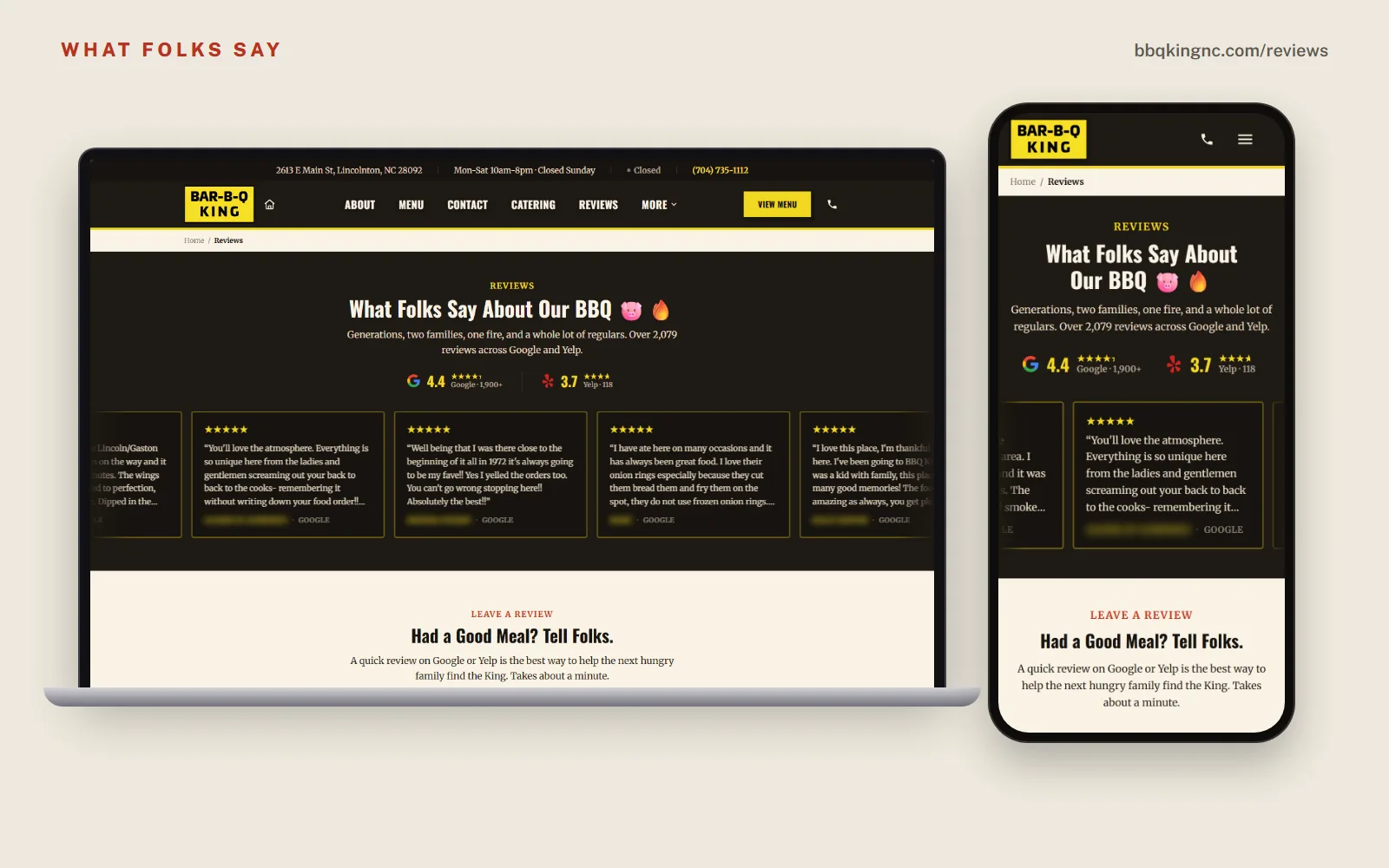
Show reviews on your website too
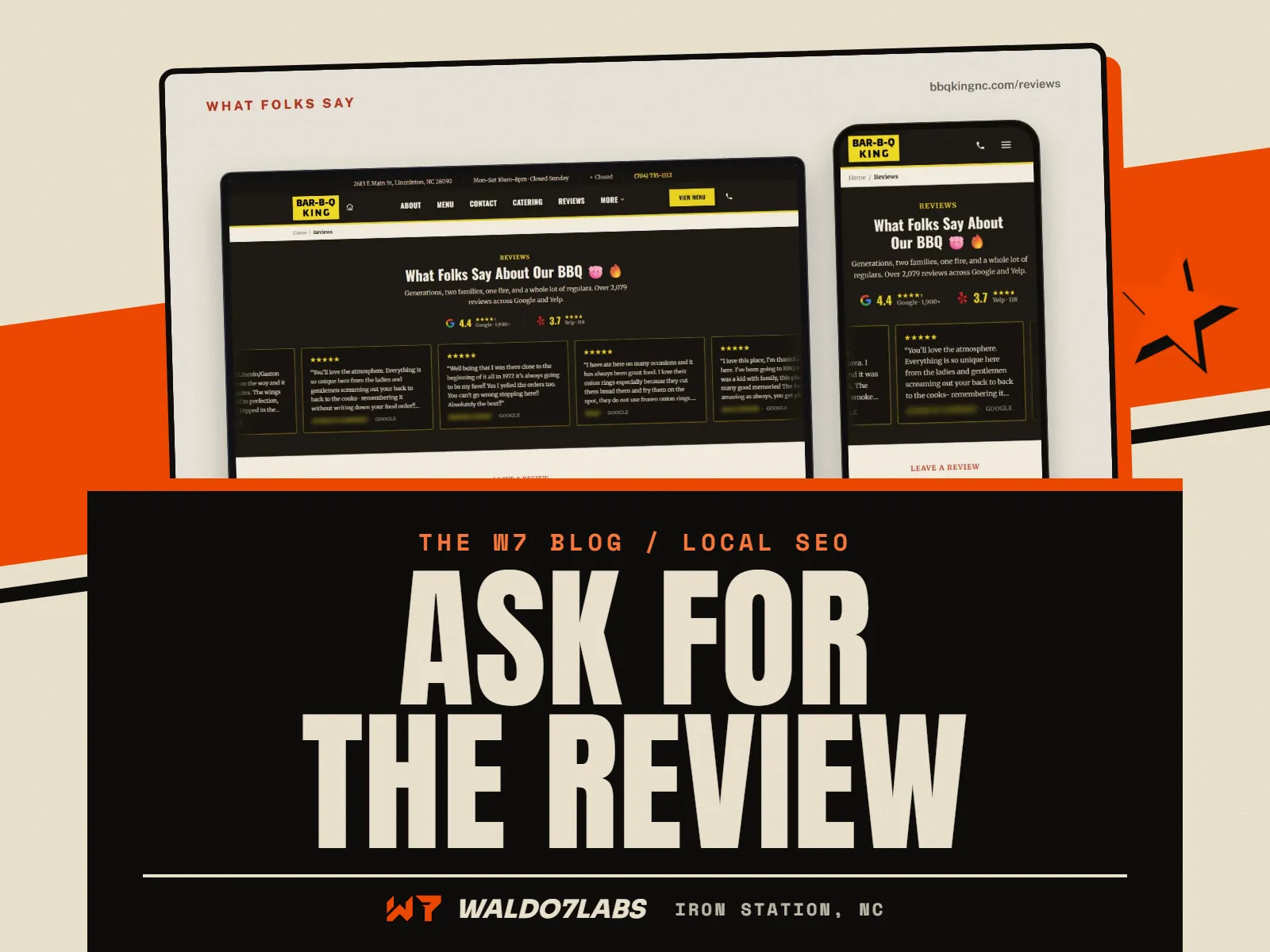
Google reviews live on Google. Your website is where people go after the map to decide. Put your best reviews there, with names (first name and town is plenty) and the job.
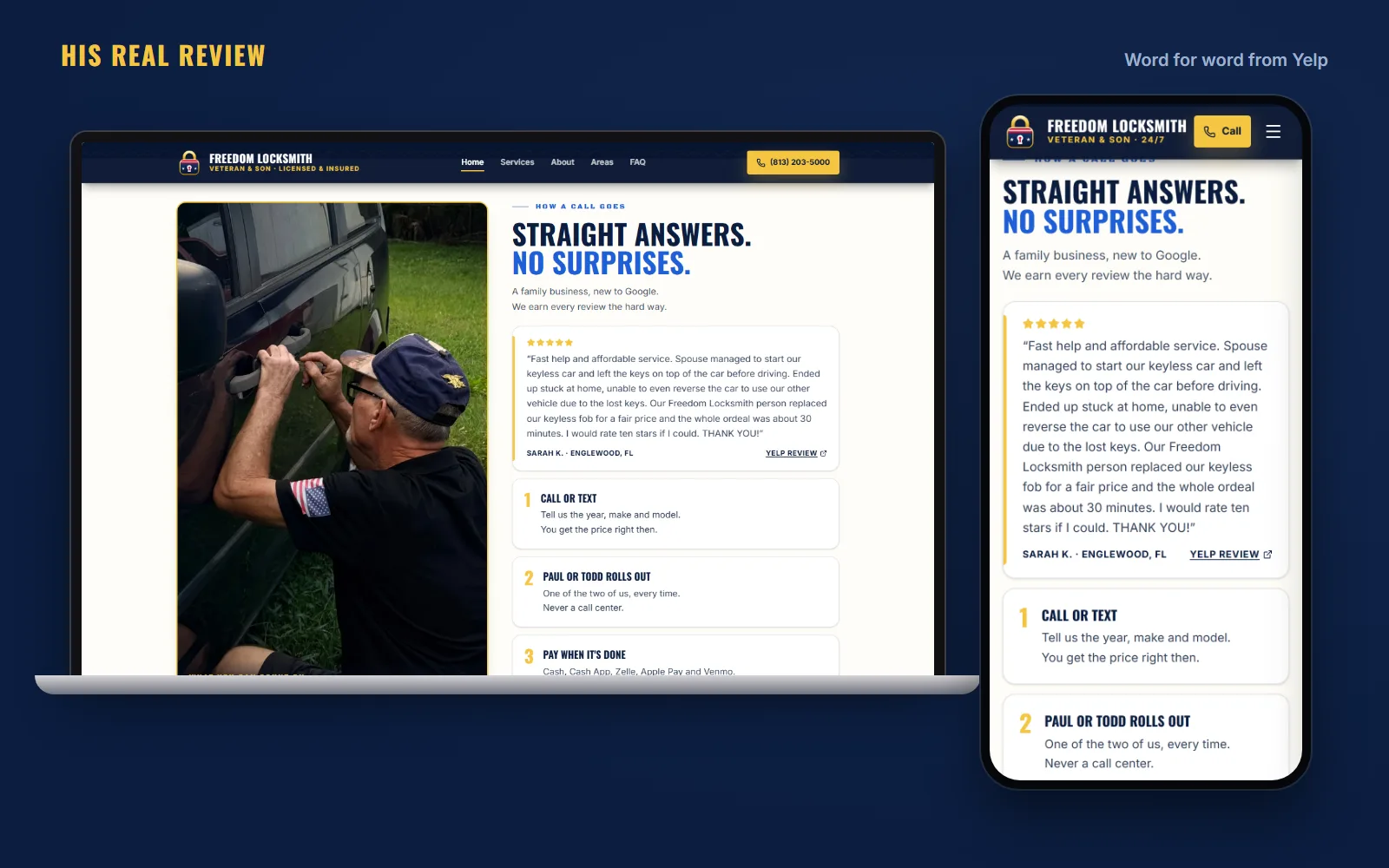
Two honest rules I hold to on every build. Real reviews only, word for word. And if you are new and only have a couple, show those couple. Freedom Locksmith in Wesley Chapel, Florida was brand new to Google when I built their site, so it shows Paul's one real five star Yelp review, quoted exactly, with a link to it. No padding, no made up quotes.
Your review setup, start to finish
- Review link copied and tested from a phone that is not signed in
- Link saved as a text shortcut on your phone
- QR code printed on invoices, cards or the counter
- One moment picked to ask every customer, tied to something you already do
- Every review from the last year has your reply under it
- Your best reviews shown on your website, word for word
- Nothing offered in exchange, ever
If you would rather not think about it
Some owners want the kit and then they run it. Some would rather hand off the listing entirely. The Plus plan keeps your Google listing up to date and includes help writing replies to your reviews, at $49 a month. The review link and QR setup is the separate add on above.
Not sure where your listing stands? The free site check looks at your website, and I am happy to look at the listing with you too. If something on the profile itself is broken, like it will not verify or it vanished from the map, I wrote a separate guide to Google Business Profile problems and how to fix them.
Quick answers
How do I get my Google review link?
Search your business name on Google while signed in to the account that manages your profile. Click Ask for reviews (on some profiles it sits under Read reviews as Get more reviews). Copy the short link it gives you and save it in your phone.
Can I offer a discount for a Google review?
No. Google's rules do not allow anything in exchange for a review, good or bad. That covers discounts, free items, entries into a drawing and money. Ask, make it easy, and leave it there.
Can my employees or family leave reviews?
Not on your business. Google treats reviews from owners, staff and anyone with a stake in the business as a conflict of interest and can remove them. Family who were real paying customers is a gray area, so the safe move is to skip it.
Should I reply to every Google review?
Reply to every review you can, good and bad. A short thank you on a good one is enough. On a bad one, stay calm, keep it short and offer to fix it offline. People reading your reviews watch how you handle the bad ones.
How many Google reviews does a small business need?
There is no magic number. What helps is a steady trickle of recent reviews that mention the work and the town. Five new reviews spread over a few months usually reads better than twenty in one week.