The short answer
Holiday hours have to be right in four places: your Google listing, your website, Apple Maps and wherever your regulars follow you. Set them two to three weeks ahead. Take them down when the day is over.
Below is how to set each one, and a month by month list you can keep by the register.
Every year somebody drives across the county on the Friday after Thanksgiving to a shop with the lights off. Google said open. The website said nothing. The sign on the door was handwritten the night before. That customer does not come back mad. They just go somewhere else next time.
Hours are the most checked fact about a local business. People look them up from the truck, in the parking lot, on the way out the door. When the hours are wrong one time, they stop trusting them. So holiday hours are not a small chore. They are a promise you are making to people you have never met.
Where your hours actually show
Most owners think about one place. There are usually four, and they do not talk to each other.
| Where | Who sees it | How it gets changed |
|---|---|---|
| Your Google listing | Anyone who searches your name or finds you on Maps | You, in your Business Profile. Google may also ask you to confirm hours before a holiday. |
| Your website | People who click through, and search engines reading your page | You or whoever runs the site. A good site keeps hours in one place, so one change covers every page. |
| Apple Maps | iPhone users asking Siri or opening Maps | Apple Business Connect, a free Apple account for owners. |
| Facebook, Instagram, your door | Your regulars | A post, a pinned story, a printed sign. |
Bing, Yelp and the map in your car often copy from these. If Google and your website agree, most of the rest follows. If they disagree, people see two answers and believe neither.
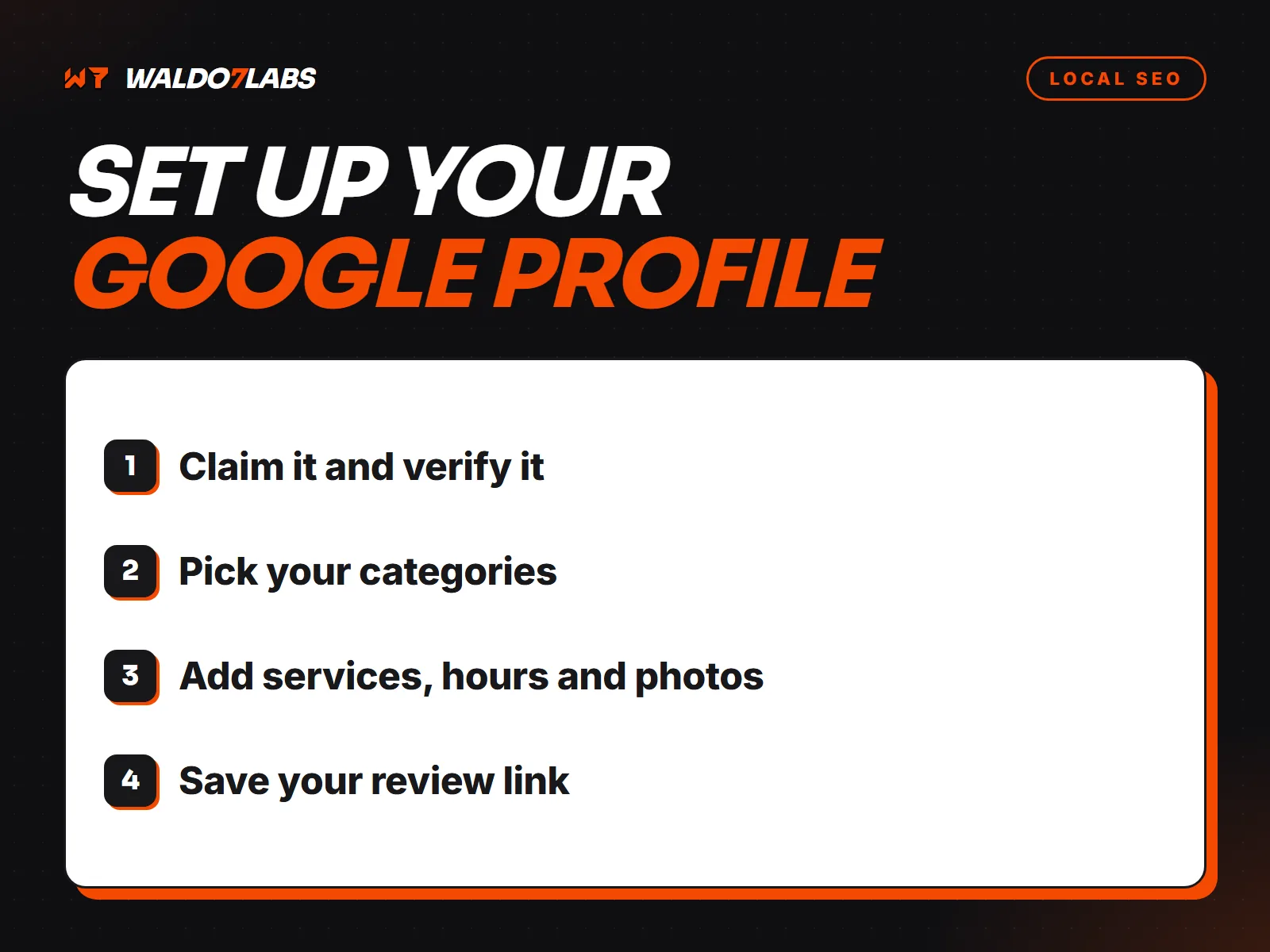
Set holiday hours on Google, step by step
This takes about five minutes per holiday. You can enter a whole season at once.
Open your profile while signed in
Search your business name on Google while signed in to the account that manages it. Your profile tools show at the top. On a phone, the Google Maps app works too: tap your profile picture, then Your Business Profile.
Go to Edit profile, then Hours
You will see your regular hours. Leave them alone. Below them, look for Holiday hours or Special hours.
Add each date
Pick the date. Mark it Closed, or set the hours for that day only. Do Thanksgiving, the day after, Christmas Eve, Christmas Day, New Year's Eve and New Year's Day in one sitting if you know them.
Confirm the ones Google suggests
Before big holidays Google often lists the dates it expects you to set. Answer them, even when you keep normal hours. A confirmed "open, normal hours" tells searchers you checked.
Check it like a customer
On a phone that is not signed in, search your business name with the holiday date in mind. The hours line should show the special hours for that week.
If your profile is not showing hours at all, or edits keep getting undone, that is a different problem. I walk through those fixes in Google Business Profile problems and how to fix them.
Your website should know the holidays too
On most small business sites, hours are typed into the footer, the contact page and maybe a banner. Three places to change, so one gets missed. Then Google reads your website and finds hours that do not match your listing.
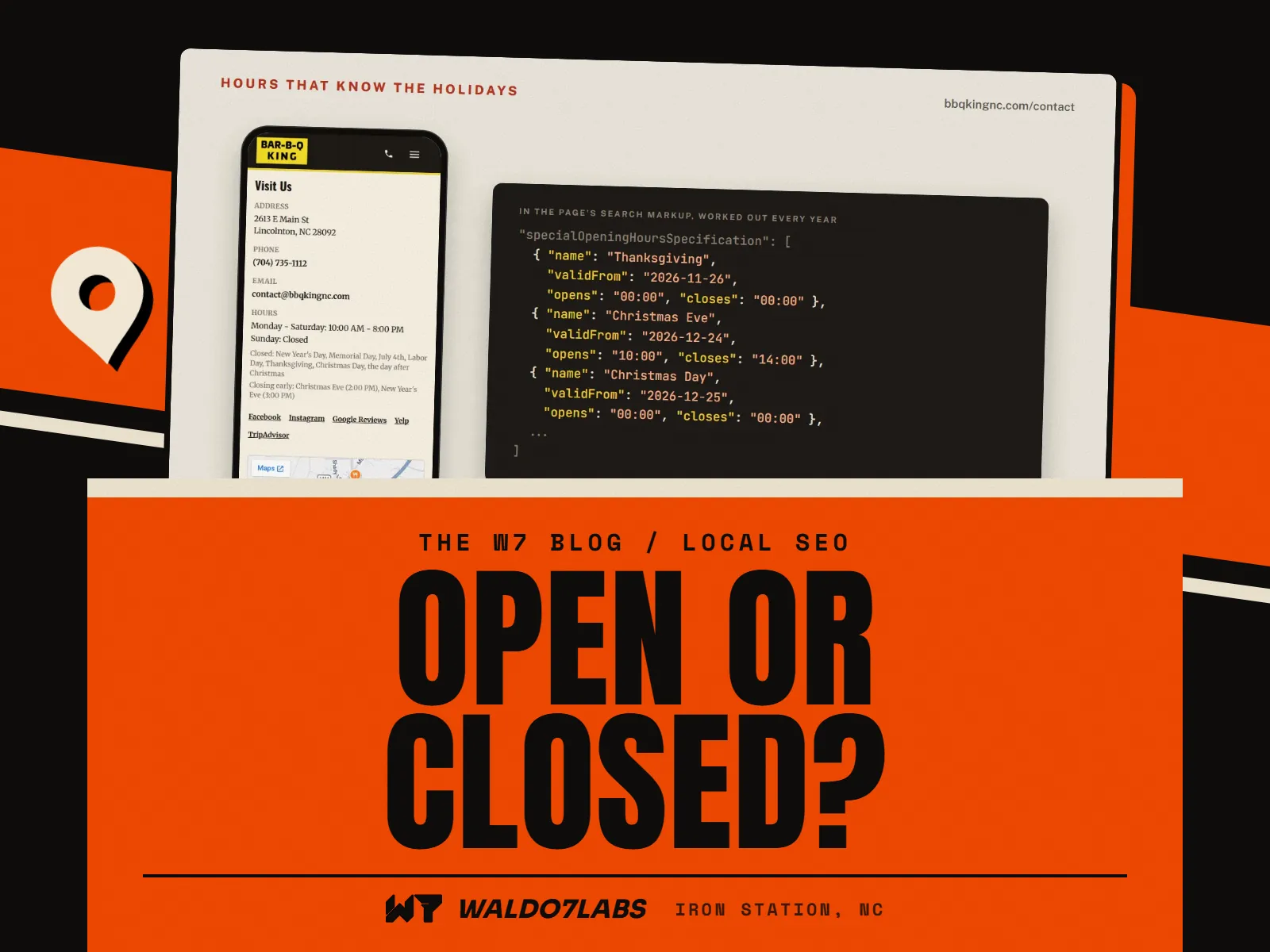
The better way is to keep hours in one spot on the site and let every page read from it. Then holiday closings go into the page's search markup, the hidden labels that tell search engines your hours, with the real dates.
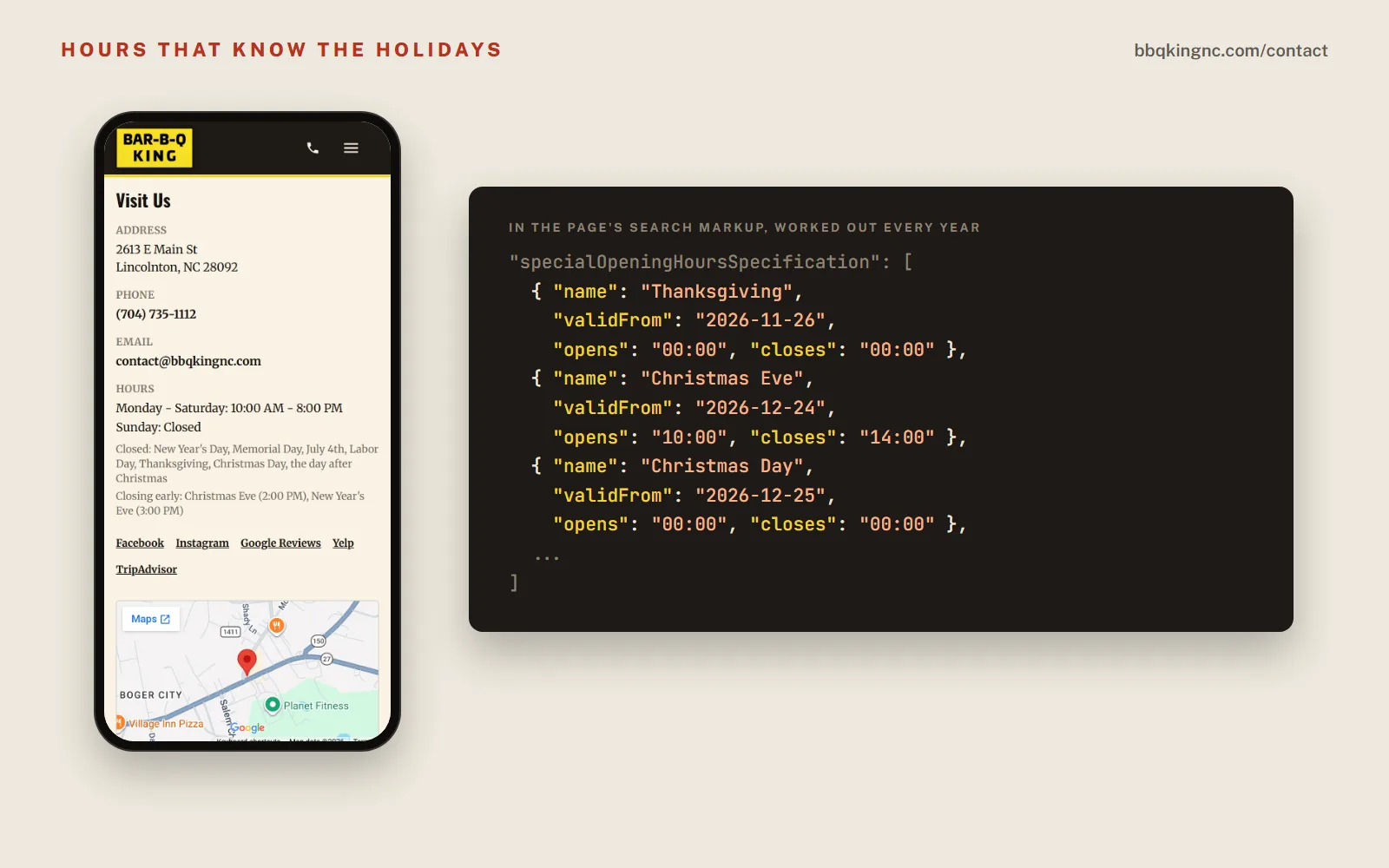
That is how I built Bar-B-Q King's site. Regular hours, holiday closings and early closings sit on the contact page. The same holidays go into the markup with real dates, worked out fresh every year. Thanksgiving moves every year. The site does the math, so nobody at the restaurant has to remember to update it.
If your site cannot do that
- Put a short holiday line near the top of the home page and on the contact page, with the dates written out: "Closed Thursday, Nov 26. Open 11 to 7 Friday, Nov 27."
- Write the day and the date. "Closed Thanksgiving" makes people do math. A date does not.
- Put a reminder on your calendar to take it down. A Christmas notice still up in February tells people nobody is minding the store.
A month by month list
Holidays are only part of it. Seasons change what people search for and what you need to say. Here is a year for a typical shop in Lincoln or Gaston County. Change it to fit your trade.
- January
Put normal hours back. Take down every holiday notice. Update the year in your footer. Check that last year's prices and specials are gone.
- February and March
Winter weather days. Have your one line closing notice ready to paste. Spring work starts getting booked now: roofers, landscapers, pressure washing, pool openings. Make sure the spring service is on the site before people search for it.
- April and May
Easter hours. Memorial Day hours. Summer hours if you change them. Graduation and prom season for florists, caterers and rental companies.
- June to August
July 4th hours. Summer schedules and vacation closings. Lake season around Denver, Cornelius and Mooresville changes when people are home and what they need.
- September and October
Labor Day hours. Fall menu and fall services. Start your holiday plan now: catering cutoffs, gift cards, order by dates.
- November
Thanksgiving and the day after, set by the first week of the month. Small Business Saturday. Holiday order deadlines on the site, written as dates.
- December
Christmas Eve, Christmas Day, New Year's Eve, New Year's Day. Last day to order for Christmas. Then the January reset.
Weather days and surprise closings
A storm day is a holiday nobody scheduled. The same four places need the change, but fast, and they need to come back the next morning.
Text message
Are y'all open today? Roads are bad out by Iron Station
Closed today for the ice. Back tomorrow at 8. It's on our Google page and the site too
Thanks for the heads up!
Storm day, in this order
- Google: special hours for today, marked Closed
- Website: a one line notice at the top of the home page
- Phone: a voicemail greeting or phone helper message that says closed today, open tomorrow
- Where your regulars look: one short post
- Next morning: take the notice down and check Google shows normal hours
If you miss calls on days like that, a phone helper can answer, say you are closed for the weather and take the message. Plans start at $79 a month.
Seasonal updates beyond hours
The shops that do this well treat their site like the sign out front. It changes with the season. Not a redesign, just the details.
What changes with the season
- Restaurants
- Holiday catering, order by dates, seasonal menu items, gift cards
- Contractors
- The spring or fall service people are searching for, your booking window, storm work
- Retail
- Gift ideas, holiday hours, last day to order, pickup cutoffs
- Everyone
- Photos that match the season, the year in the footer, old specials taken down
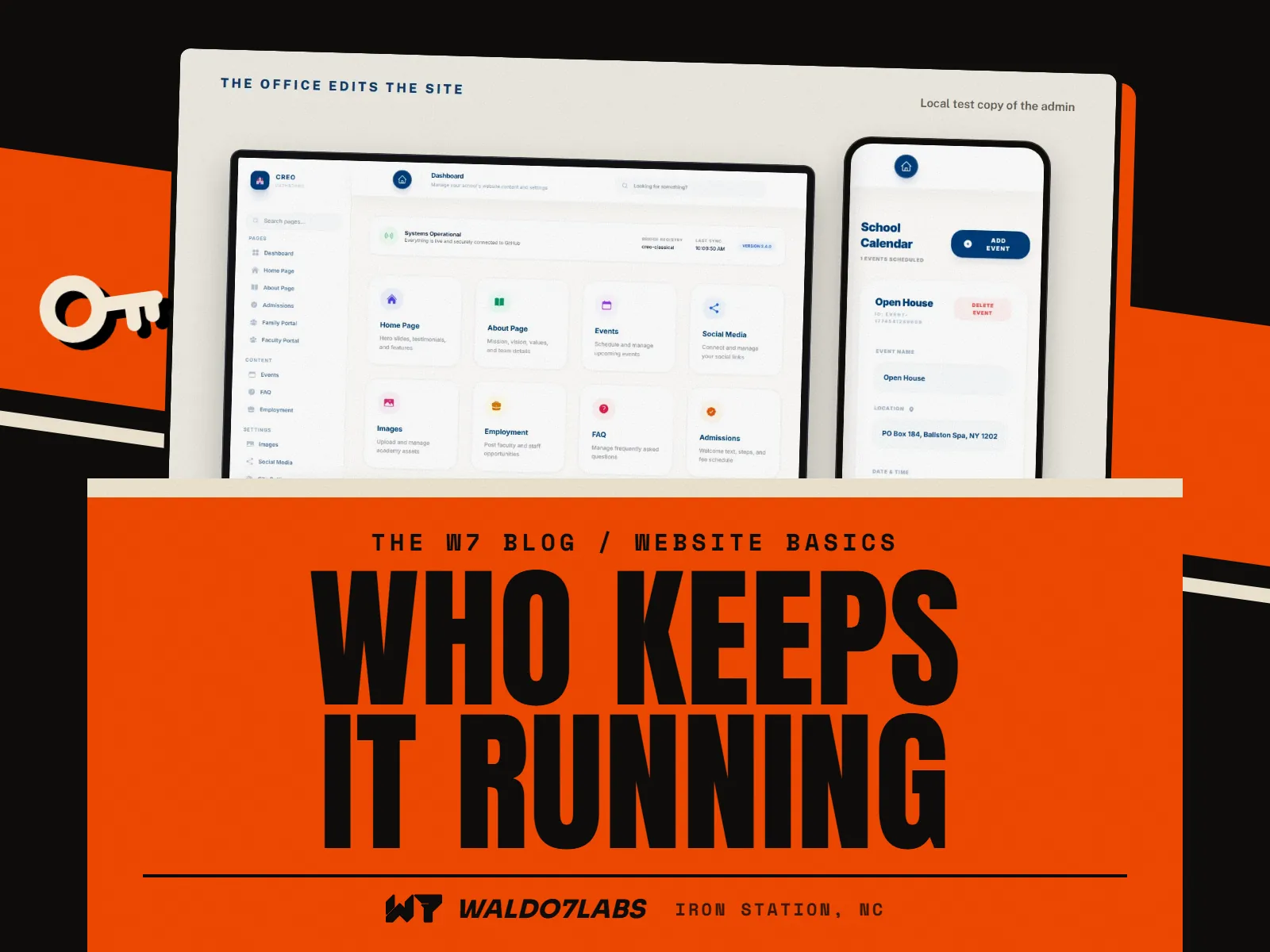
A site can even dress for the season on its own. Wicked Kreations in Lincolnton has a home page built like his shop's garage door. It rolls up in his hours, shows whether he is open right now and dresses up for the seasons too. The hours on it are the hours he sets in his own dashboard, so the door and the facts always agree.
Do it yourself, or hand it off
All of this is doable on your own. It takes a calendar, the logins, and about an hour spread over each month. Where it goes wrong is the busy weeks, which are the same weeks the hours matter most.
That is a big part of what my care plans cover. On the Plus plan ($49 a month) and the Pro plan ($69 a month), your Google listing is kept up to date for you, holiday hours included, and you text me a holiday closing or a special and it goes on the site. The Basic plan ($25 a month) keeps the site online, safe and backed up while you handle the changes. I wrote out what upkeep really takes in care plan or do it yourself.
Building a new site? Hours in one place, holiday dates in the search markup and a phone number that taps to call come with every site I build. See pricing, or read what a restaurant website needs if you run a kitchen.
Quick answers
How do I add holiday hours on Google?
Open your Business Profile while signed in, pick Edit profile, then Hours, then Holiday hours or Special hours. Add the date, then mark it closed or set the hours for that day. Your normal hours stay as they are.
How far ahead should I post holiday hours?
Two to three weeks ahead is a good habit. People plan holiday errands early, and Google, Apple Maps and your website all need a little time to show the change everywhere.
Will special hours replace my regular hours?
No. Special hours only cover the dates you enter. The day after, your regular hours show again on their own.
What if I close for bad weather with no warning?
Add special hours for that one day on Google, put a short notice on your website, and post it where your regulars look. Then take the notice down the next morning so it does not scare off the next day's customers.
Can my website show holiday hours to Google too?
Yes. A website can carry the same holiday dates in its search markup, the hidden labels search engines read. Bar-B-Q King's site works its holiday dates out fresh every year, so nobody has to remember.