The short answer
A restaurant website has four jobs. Show the menu with prices. Say if you are open right now. Make calling one tap. Get people to the door.
Do those four on a phone, fast, and you are ahead of most places in town. Ordering and catering come next.
Nobody browses a restaurant website. They open it in the car, in a parking lot, or on the couch deciding where to eat tonight. They want one answer and they want it now.
So a restaurant site is not about how much it says. It is about how fast it answers. Here is what I put on every one, in the order people look for it.
The menu, as real text
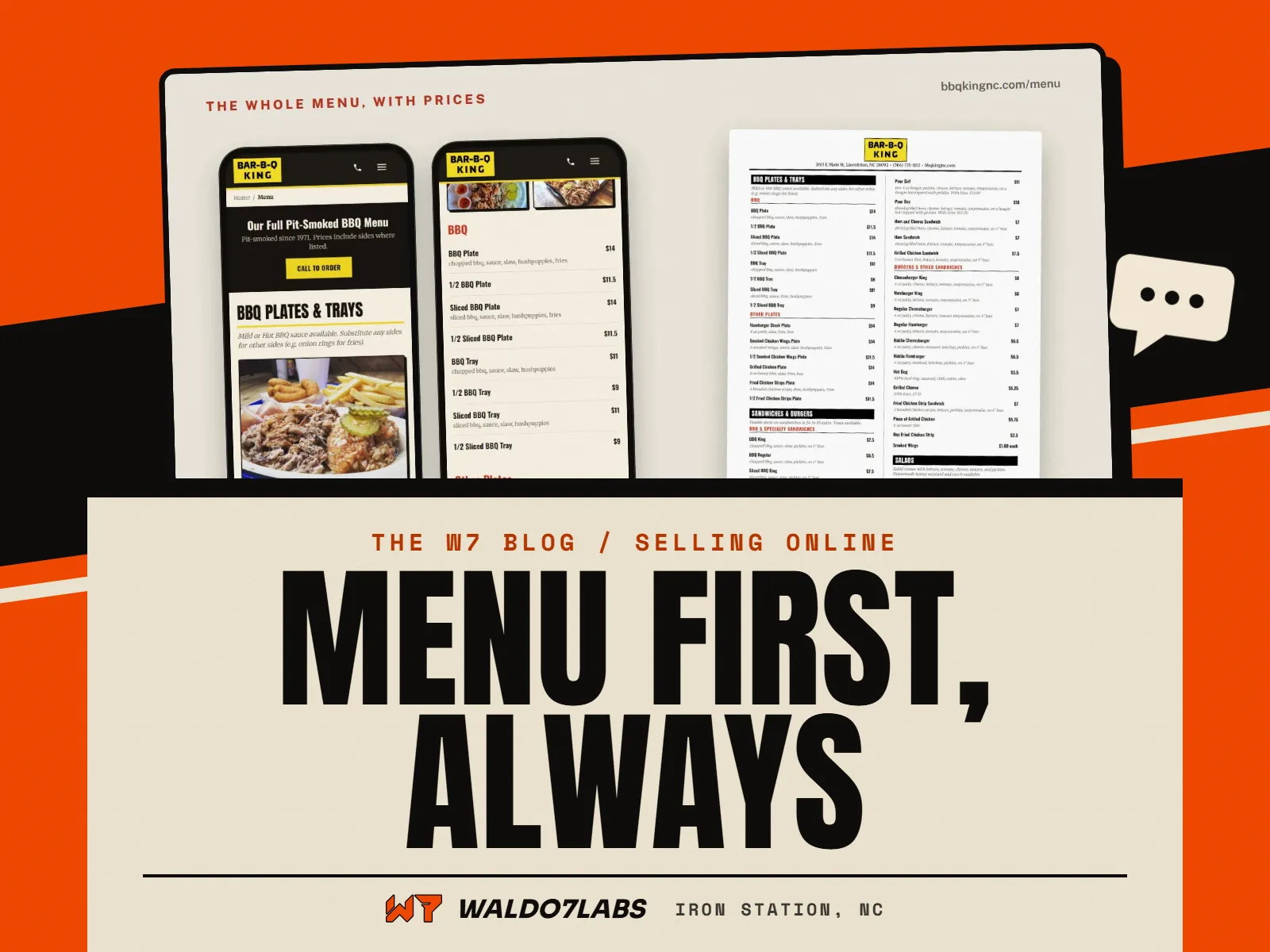
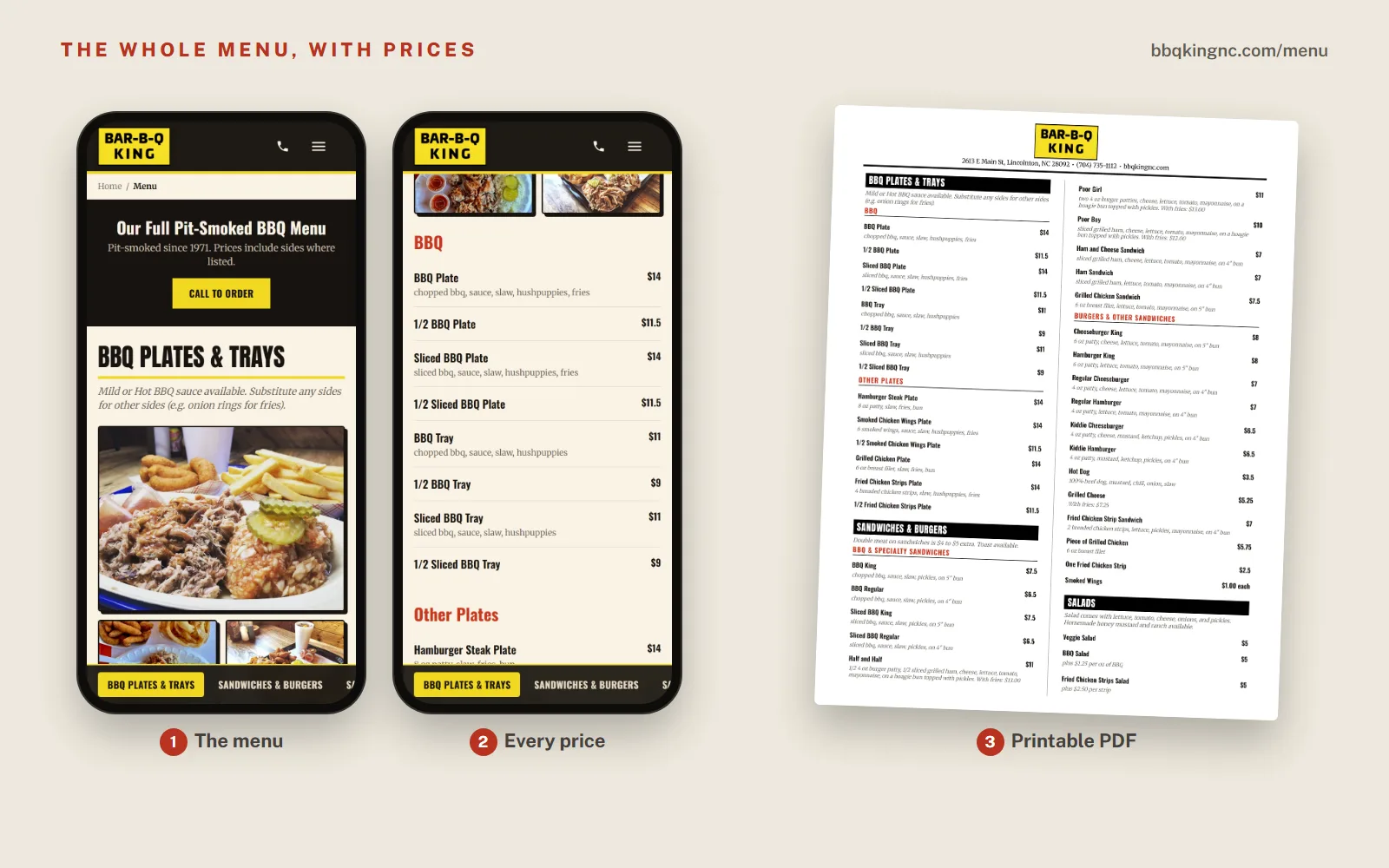
The menu is the reason most people came. Put it one tap from every page, and put it on the page as words, not as a picture or a PDF.
Real text matters for three reasons. It loads fast on a phone. It can be read without pinching and zooming. And Google can read every item and price, so a search for "pulled pork plate near me" can land on you.
Prices on the menu
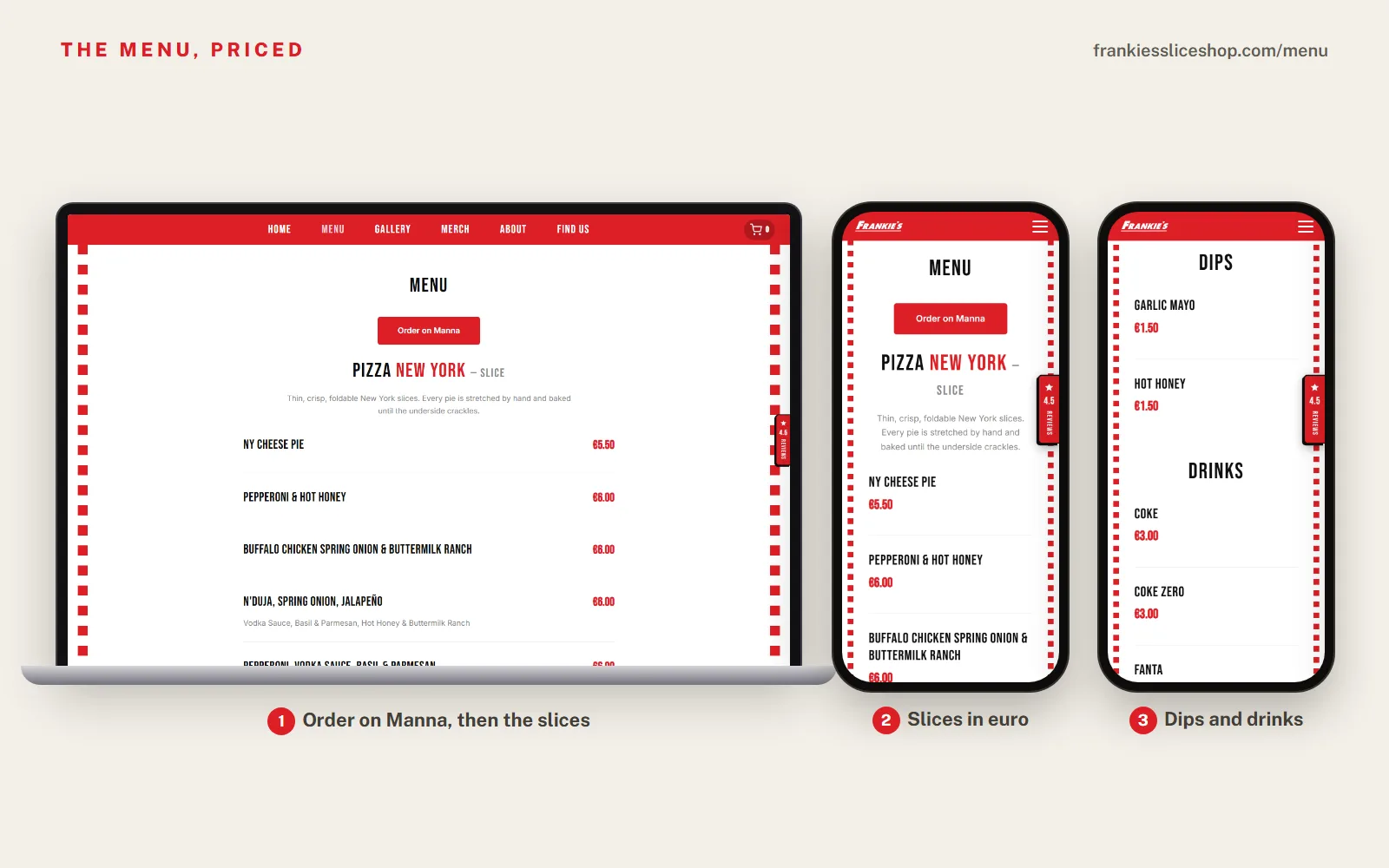
Show them. People who cannot see a price assume it is high, or they call to ask, which ties up whoever is on the line during a rush. If prices change often, that is a reason to make the menu easy to edit, not a reason to hide them.
Hours that are right today
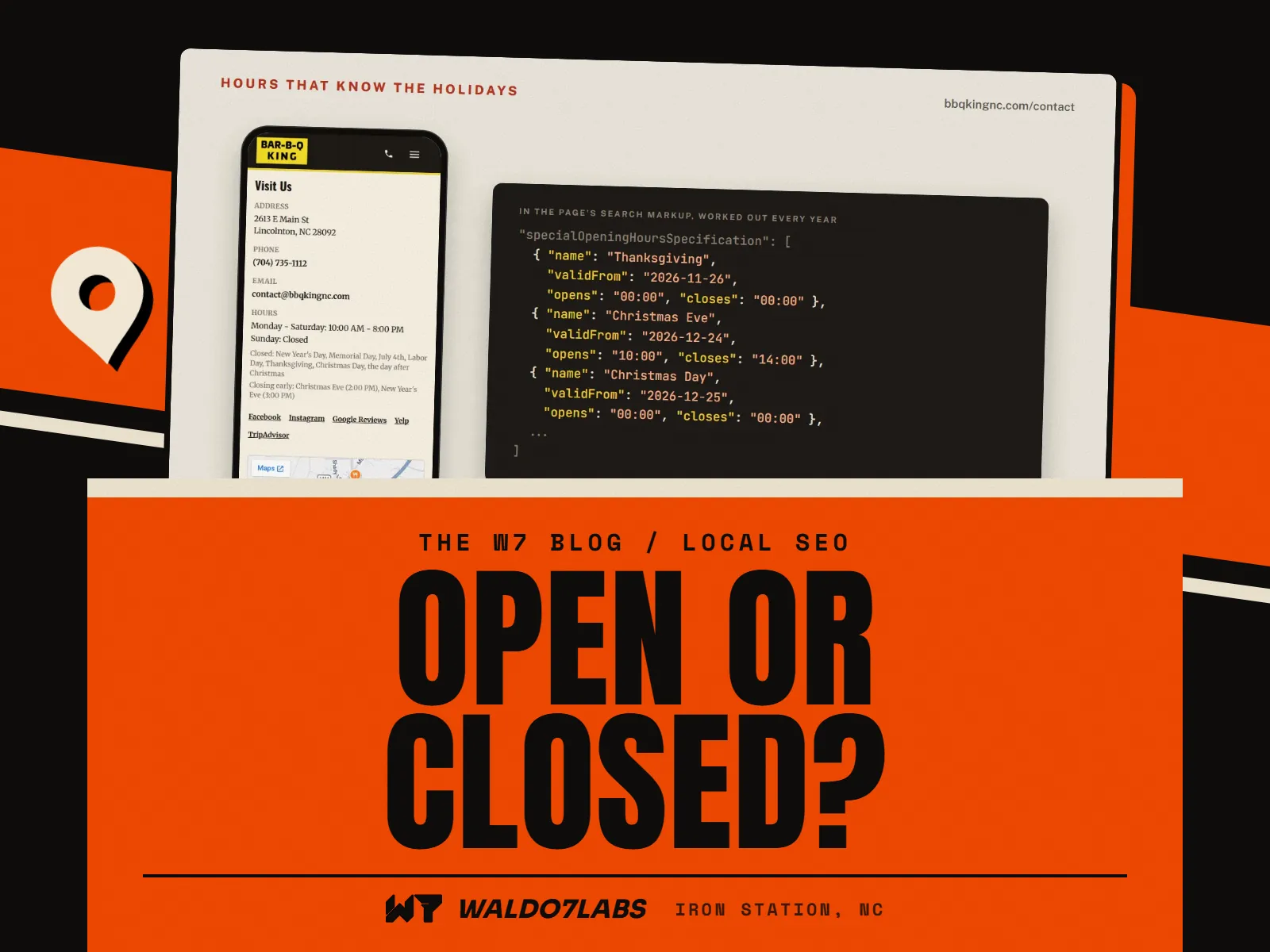
The second most common question is "are you open?" Answer it with your hours on every page, and keep them right. The day it matters most is the day you close early for a holiday.
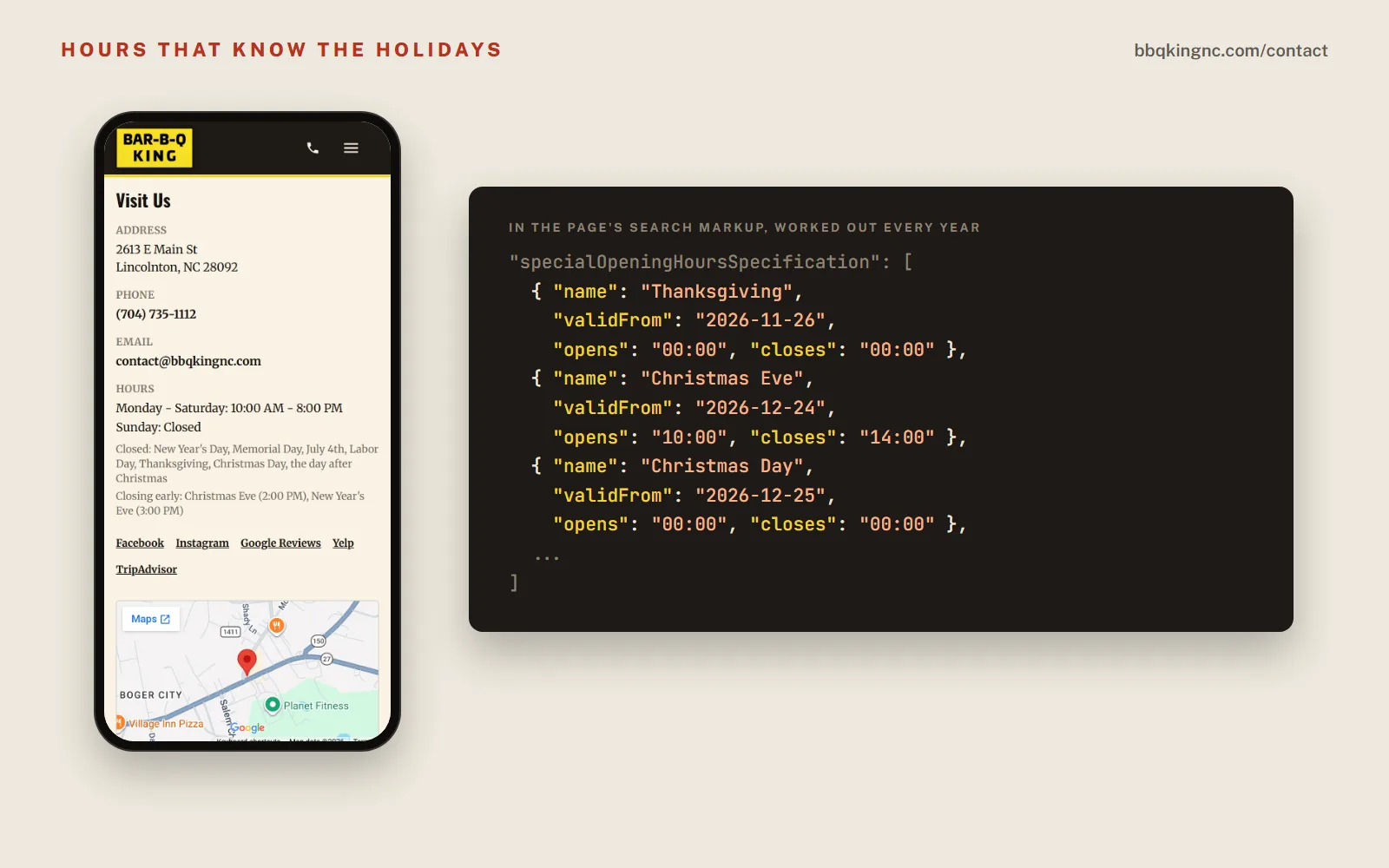
That screen is one of my favorite parts of the build. The holidays are listed for people. The same dates also go into the hidden markup that search engines read, so Google is told the restaurant is shut on Thanksgiving without anyone updating a thing each year.
Your Google listing still needs its own holiday hours, set in your Google profile. I keep a full checklist for that in holiday hours and seasonal updates.
Call, directions, done
The phone number should tap to call on every page. The address should tap straight into maps. Both belong near the top on a phone.



Frankie's puts it all on the first screen: the order button, the address, the hours and a Get directions link. On a phone the same cards stack in that order. That is the whole homepage job for a food place. For more on first screens, read what to put on your homepage.
Order ahead, your way
You have three choices, and the right one depends on how you already work.
Three ways to take orders
- Link your app
- Already on Toast, Square or a delivery app? Put a big Order button on the site that goes there. Simple, and nothing new to learn.
- Pickup on your site
- Your menu with an order form on your own site. Each order is emailed to you with the pickup time, and they pay at pickup or online through Stripe. Starts at $149 one time, and I take no cut per order.
- Delivery
- Delivery from your own site can be added on top of pickup orders, with a DoorDash Drive or Uber Direct driver. It is quoted for each place.
Frankie's is a good example of the first one. They deliver by drone through Manna, so the site's job is to put the Order on Manna button everywhere, not to rebuild ordering.
Catering gets its own front door
Catering is often the biggest ticket a restaurant writes, and it is the worst handled online. People need to know what you offer, roughly what it costs and how to ask. A phone number at the bottom of the menu is not enough.
You do not need a builder that fancy to start. A short catering form that asks for the date, the headcount, pick up or delivery, and a few food choices already beats "call us for catering." It also lands on the right person's phone instead of whoever answered during the lunch rush.
Reviews and your own photos
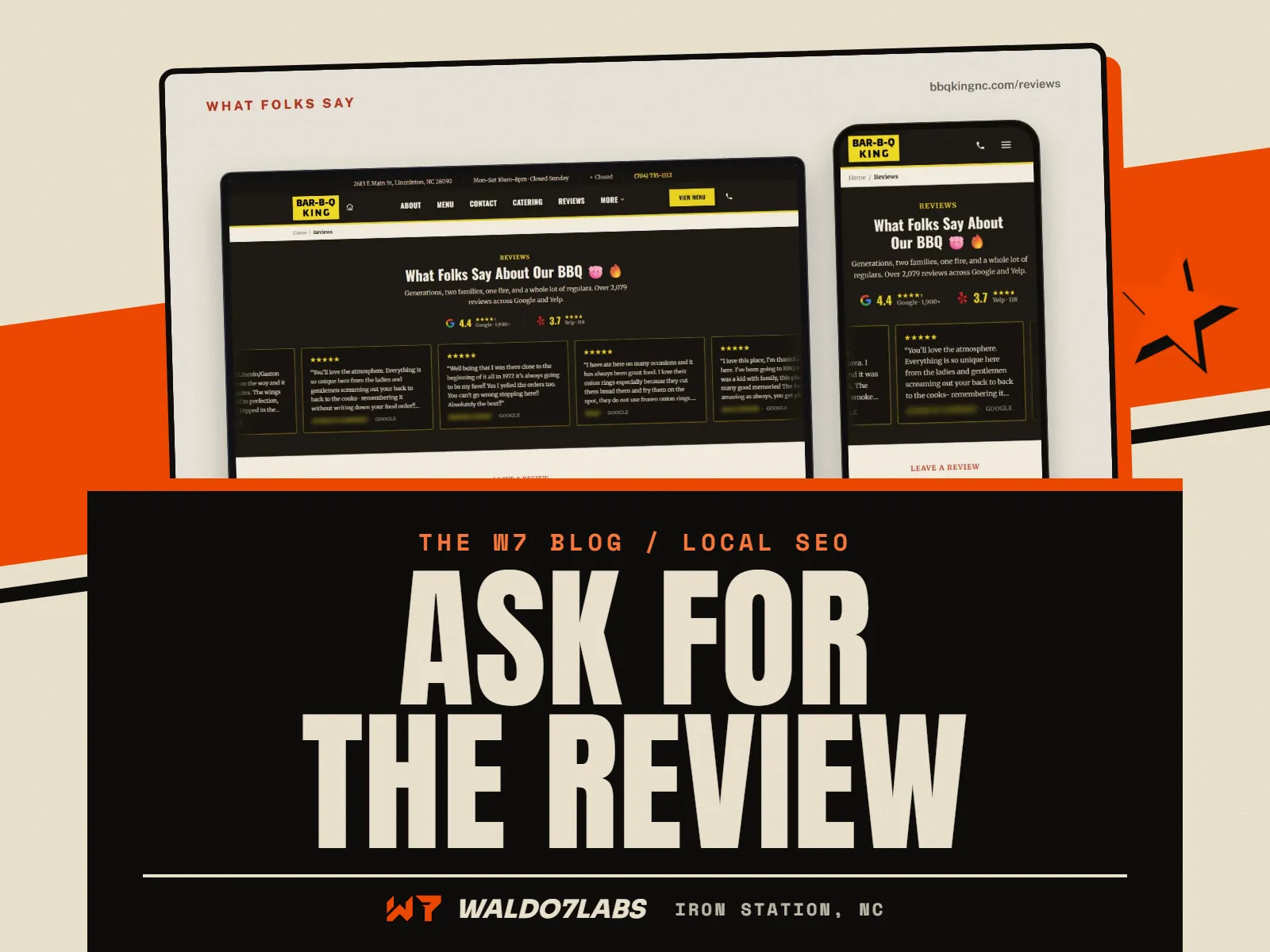
People trust other diners more than they trust you. Show your Google rating on the site, and give happy customers a button that goes straight to leaving a review. Bar-B-Q King's reviews page shows the Google and Yelp ratings side by side, with buttons to leave one. More on that in how to get more Google reviews.
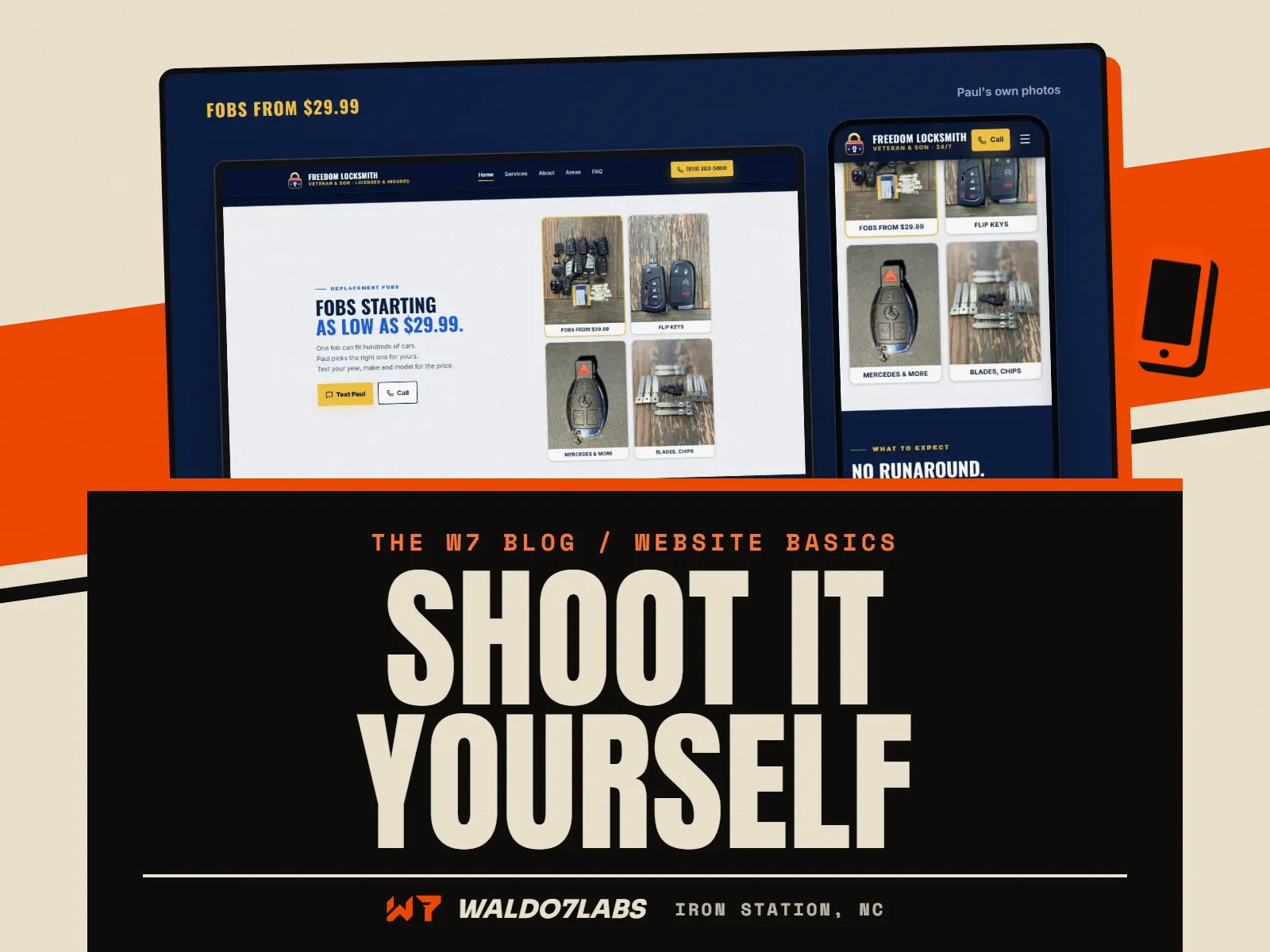
Use your own photos. Your plates, your pit, your people. A stock photo of a salad tells people nothing about your place. Bar-B-Q King's site uses only their own food and their own pit. You can take good ones yourself with a phone; my shot list is in website photos with your phone.
Specials that change
Daily specials, a seasonal menu, a stew that is only on in the fall. These are the things that bring regulars back to the site. They are also the things that go stale first.
Pick one way to keep them current and stick to it. A simple editor you can use from your phone, or a text to whoever runs your site. If neither will happen, leave specials off rather than show last month's. Ways to handle that are in the care plan or do it yourself post.
Open your own restaurant site on your phone and check
- The menu is one tap away and shows as text, with prices.
- Today's hours are on the first screen, and the holidays are listed.
- The phone number taps to call.
- The address taps into maps.
- There is a clear way to order, even if it goes to an app.
- Catering has its own page or form, not just a phone number.
- The photos are your own food and your own place.
- It opens fast standing in a parking lot, not just on home wifi.
If you already have a site and want to know how it does on a phone, run the free site check. It tests speed and the basics in under a minute. Prices for everything here are on the pricing page.
Quick answers
What should a restaurant website have?
Your menu as real text with prices, today's hours including holidays, a phone number that taps to call, your address with a directions link, a way to order or ask about catering, and your own photos. Put the first four where a phone shows them without scrolling.
Is a PDF menu bad for a restaurant website?
As the only menu, yes. PDFs are slow and hard to read on a phone, and search engines read them poorly. Keep a PDF for printing, but put the real menu on a page as text.
How do I add online ordering to my restaurant website?
You can link an app you already use, or add pickup orders right on your own site. On a site I build, pickup orders start at $149 one time, with each order emailed to you and no cut per order from me.
How much does a restaurant website cost?
My sites start at $795 right now, the launch price for my first 10 local businesses, then $1,295. Order ahead and other extras are added on. Every current price is on the pricing page.
Do I need a website if I am on DoorDash and Google?
Those help people find you, but they take a cut and set the rules. Your own site is the one place your menu, prices and catering are exactly right and fully yours.