The short answer
A small business website needs a little work every year, every month and every week. You can do all of it yourself if you have the logins and an hour or two a month.
A care plan is worth it when that hour keeps not happening. No plan is a fine choice too, as long as everything is in your name.
Nobody tells you this when the site goes live. Launch day feels like the finish line. It is more like driving a new truck off the lot. It runs great, and it still needs oil.
Here is the honest list of what a site needs after launch, so you can decide who does it.
The upkeep, by how often it happens
- Every day
The site is up. Something checks that your site loads. If your host has a bad night, you want to know before a customer tells you.
- Every week
The forms work. Send yourself a test from the contact form. Forms break quietly after an email change or a password reset, and nothing on the screen tells you.
- Every month
The facts are right. Hours, prices, specials, staff, photos. Anything that changed in the shop should change on the site. Same for your Google listing.
Links still go somewhere. A menu PDF that moved or a partner who closed leaves a dead link.
- Before each holiday
Holiday hours. On the site and on Google, a week or two ahead. My full list is in holiday hours and seasonal updates.
- Every year
The .com renews. Miss it and your site and email go dark. Some domains get grabbed and resold.
The lock keeps working. The https lock in the address bar renews on its own on good hosts. On some setups it does not, and browsers start calling your site unsafe.
A real look. Read your own site start to finish on a phone. Fix what is old.
None of that is hard. The trouble is it is never urgent until it is broken. That is why it slides.
What doing it yourself takes
If you want to run it yourself, good. Here is what you need in hand.
Your DIY kit
- The .com
- An account at a registrar like Cloudflare or Namecheap, in your name, with auto renew on and a card that will not expire soon
- Hosting
- A login where the site lives. For most small sites this is a free account
- Whoever runs your business email, so you can fix where form messages land
- Owner access to your Google Business Profile and Search Console
- A way to edit
- An editor for the parts you change, or the skill to change the files
- Time
- About an hour a month for checks and changes, more in a busy season
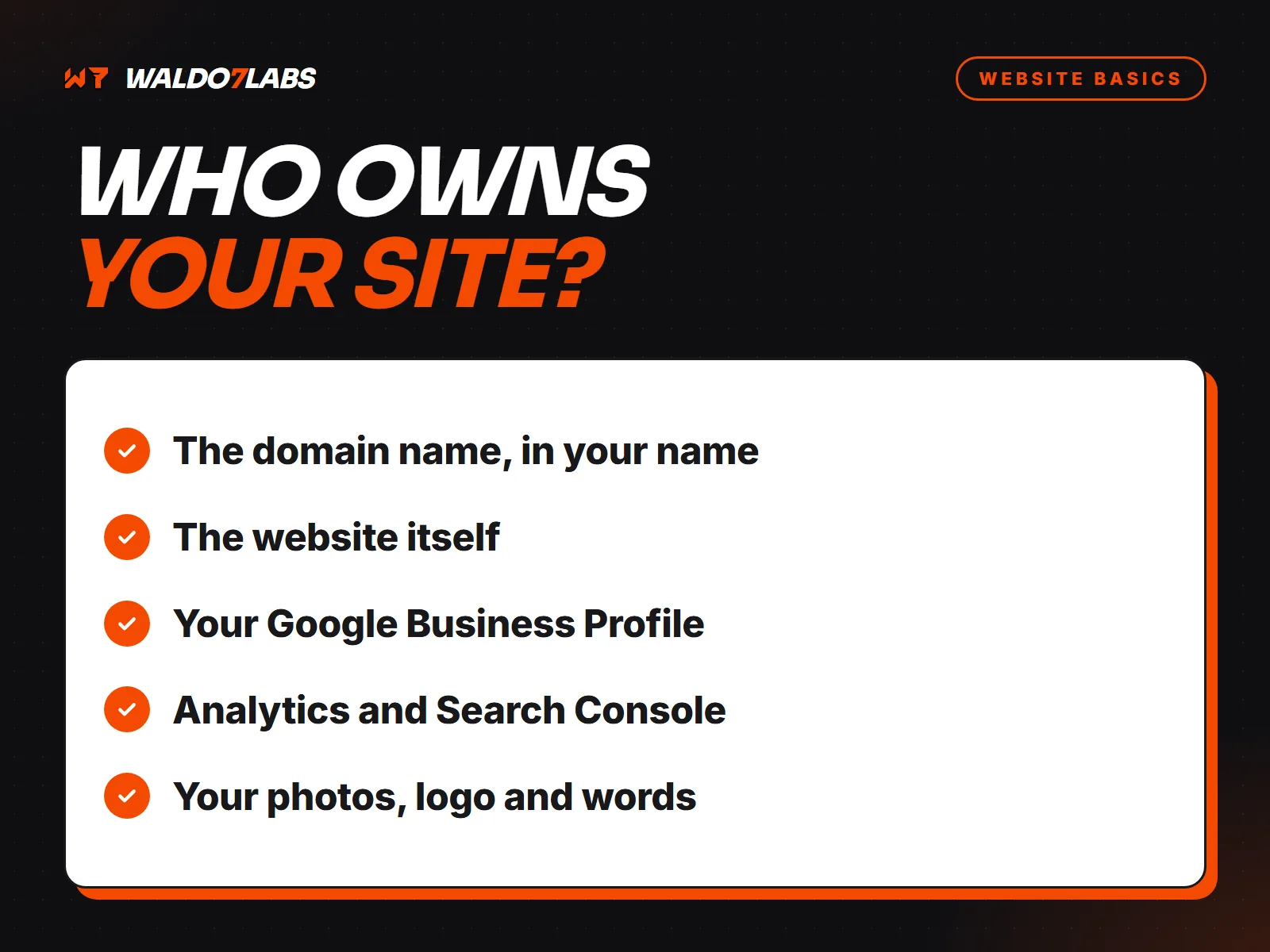
The first four matter even if you never touch a line of code. If someone else holds them, you do not really own your site. I covered how to check that in who owns your website.
Where DIY usually goes wrong
I do not think owners are careless. They are busy. Here is where the hour goes missing.
- The card on the .com expired. The renewal failed, the warning went to an old email, and one morning the site is gone.
- The form sends to someone who left. The messages are piling up in an inbox nobody opens.
- Christmas hours went up on Facebook only. Google still says open, and people drive over to a locked door.
- The menu still has last year's prices. Customers notice at the register, and that is a bad moment.
- A fix made something else worse. With no backup, there is nothing to roll back to.
It is never urgent until it is broken. That is why it slides.
What the three plans cover
I offer three care plans for sites I build. You can also take none. Here is the plain version. The full list is on the care plans page.
| Choice | What I do | Starts at |
|---|---|---|
| No plan | I hand the site and the .com into your own free accounts. You run it. I help by the hour if you ask. | $0 |
| Basic | I keep it online and safe. Your .com renewed in your name, hosting paid, backups, security updates, and the site checked every 15 minutes and fixed if it goes down. Your Google listing set up once at launch. Changes are $95 an hour. | $25 a month |
| Plus | I keep it current. Everything in Basic, plus up to 5 small changes a month done within 2 business days, your Google listing kept up to date, and help replying to reviews. | $49 a month |
| Pro | I'm on call. Everything in Plus, plus unlimited small changes live the same day when you text by 3 PM on a weekday, a weekly report, weekly checks of speed, forms and links, and Google watch. | $69 a month |
A small change is one that takes about 15 minutes or less: a new price, new hours, a special, a photo, a staff member. Bigger work, like a new page, is quoted first so you are never surprised.
Two ways to keep it current without me
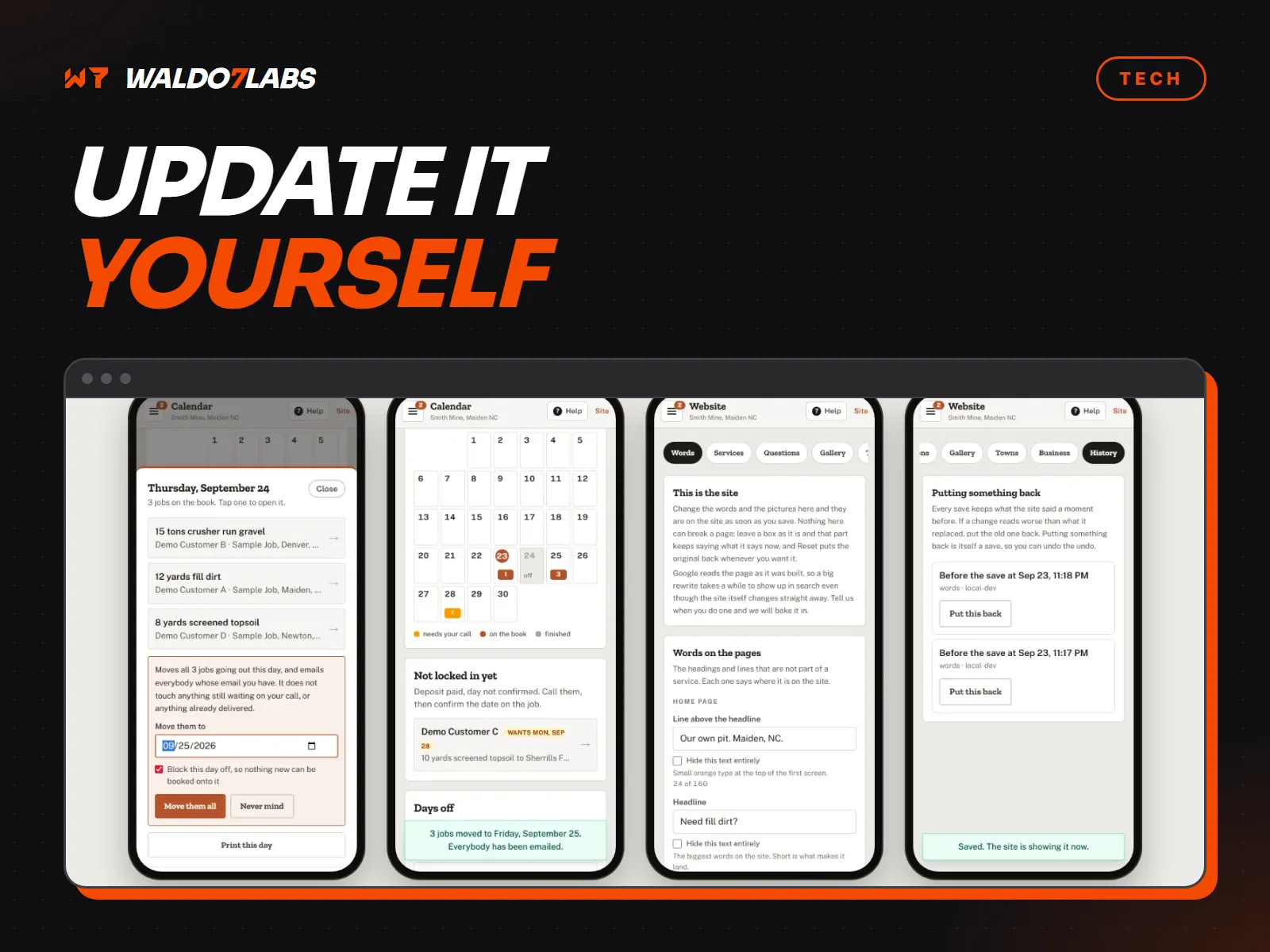
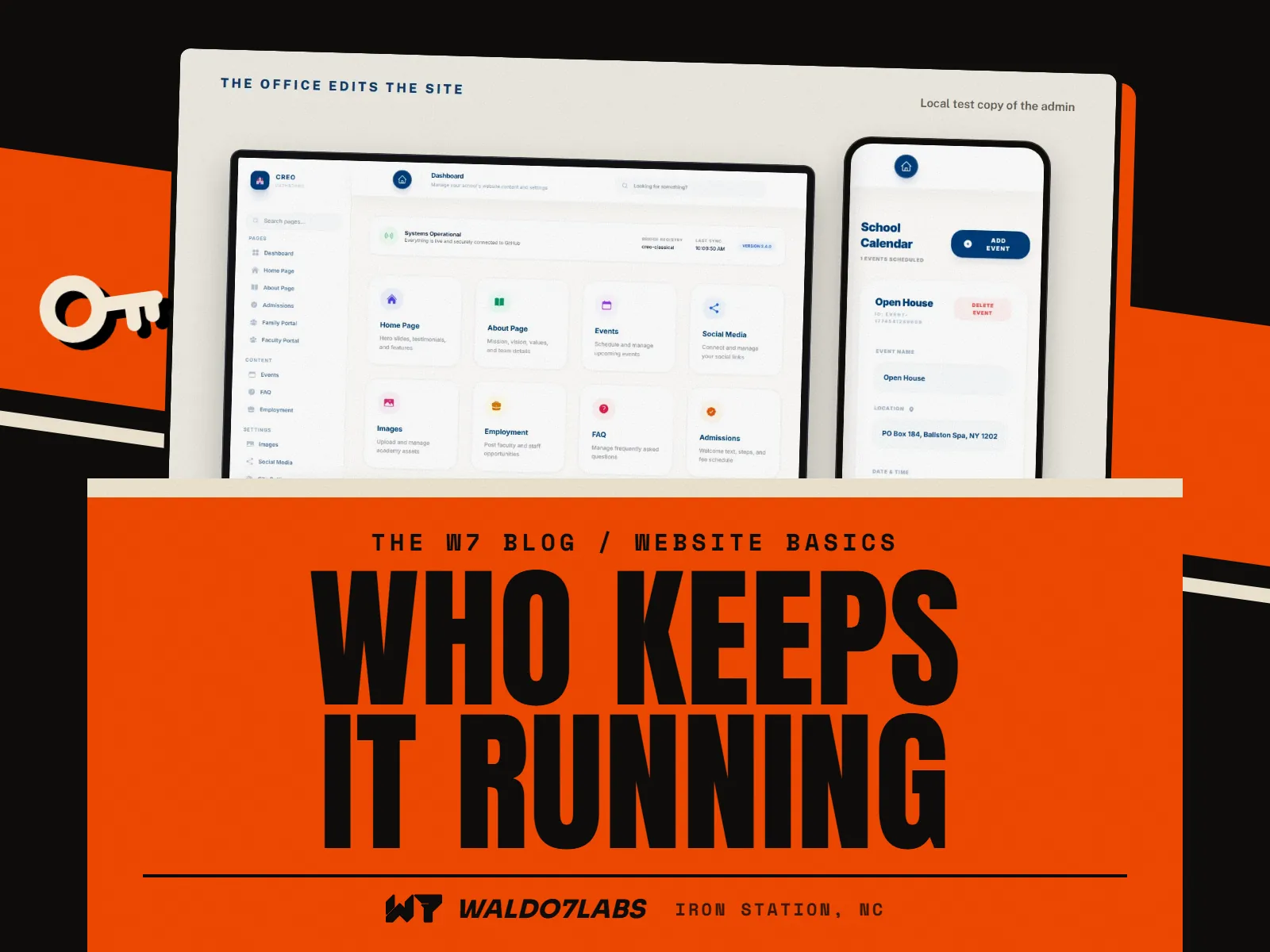
Some owners want to make their own changes and only want me for the stuff they cannot see. That works, and two of my clients show how.
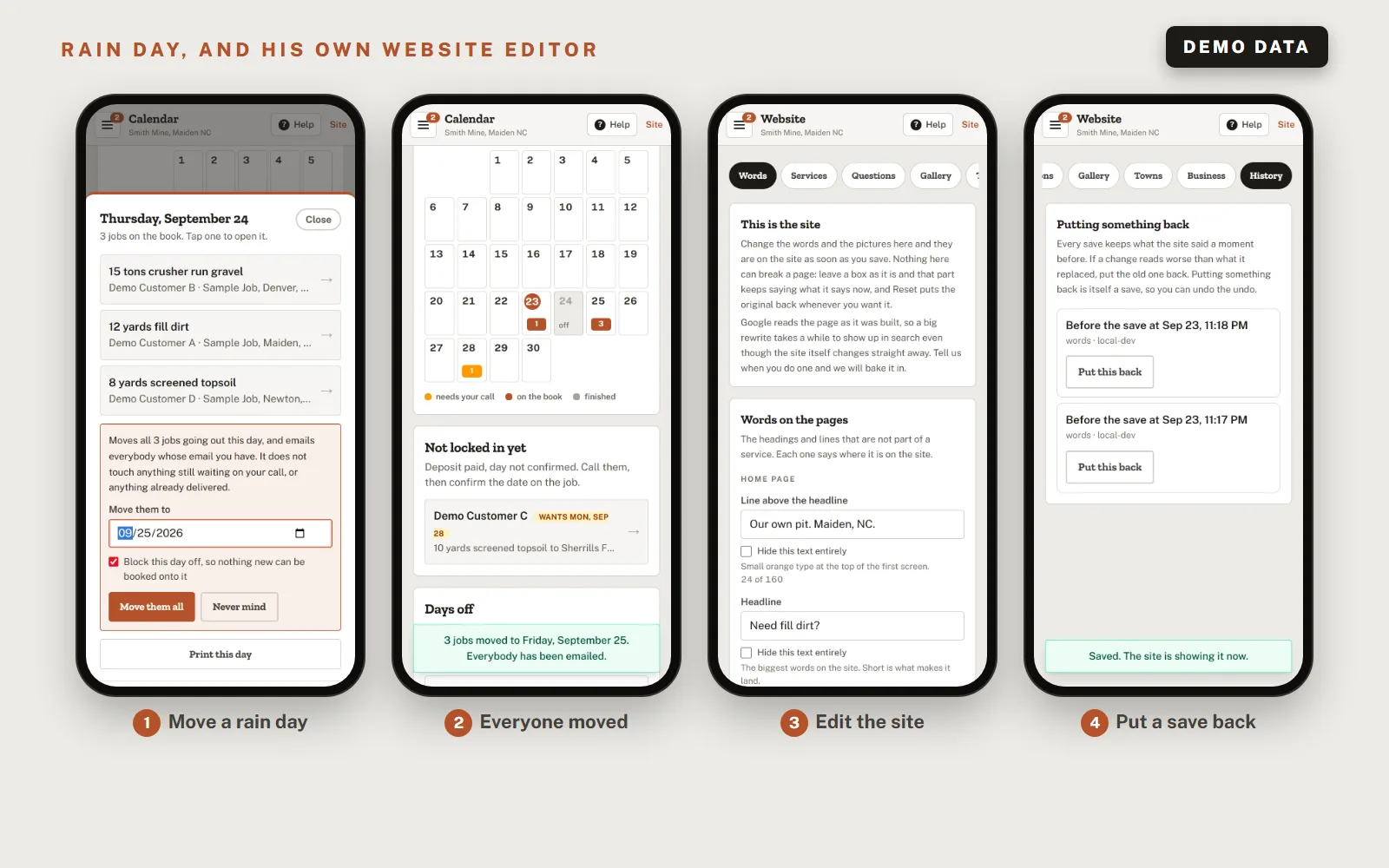
Both of those are bigger builds. For a regular site, the Pro plan includes the phone editor for prices, hours and specials. You can read more ways to make changes in how to update your website without WordPress.
So which should you pick?
Here is how I would decide if it were my shop.
- Your site rarely changes and you are good with logins: no plan, or Basic if you just want it watched.
- Prices, hours or photos change a few times a month: Plus. That is the plan built for "I keep meaning to update that."
- Things change weekly, or you lose real money when the site is wrong: Pro. Restaurants with specials, shops with stock, anyone with a busy season.
Not sure what your current site needs? Run the free site check first. It shows what is broken or slow right now, which is a good way to see how much upkeep your site has been missing. And if you are still deciding on a new site, the website cost post adds up the yearly numbers for every option.
Quick answers
How much does website maintenance cost for a small business?
Doing it yourself costs the .com, about $10 to $15 a year, plus your time. Hosting is free for most small sites. My care plans start at $25 a month for the Basic plan, with the Plus plan at $49 and the Pro plan at $69. The current prices are on the pricing page.
Do I need a website maintenance plan?
No. A plan saves you time and catches problems early, but plenty of owners run their own site. If you go without, make sure the .com, the hosting and the logins are in your name.
What happens if I cancel my care plan?
Your site and your .com move into your own free accounts. The handover is free and there is no contract.
What does website upkeep actually involve?
Renewing the .com, keeping the site online and backed up, keeping the lock (https) working, testing the forms, changing hours and prices, keeping your Google listing right and fixing broken links.
Can I update my own website?
Yes. A site I build can come with an editor for the parts that change most, like hours, prices and specials. The Pro plan includes the phone editor.