The short answer
WordPress is fine when someone owns it. It turns into a problem when nobody updates it, it crawls on a phone, or the form quietly stopped sending.
Answer the five questions below. If your site passes, keep it. If it fails two or more, it is costing you calls, and the move can be done without losing your place on Google.
A lot of shops around Lincolnton, Denver and Gastonia run a WordPress site somebody built years ago. A nephew, a friend of a friend, an agency that has since moved on. Some of those sites are doing fine. Others look fine from the outside and are leaking customers every week.
I am not here to tell you WordPress is bad. It runs a huge share of the web for a reason. I am here to help you figure out which kind of WordPress site you have, because the answer decides whether you should spend money at all.
Where WordPress earns its keep
WordPress is free to use, almost any developer can work on it, and there is a plugin for nearly everything. A plugin is a small add on program that gives the site a new trick, like a contact form, a gallery or a store.
If you publish a lot, it is hard to beat. A busy blog with three writers, a news site, a church that posts sermons every week. That kind of site uses the editor every day, and the editor is good.
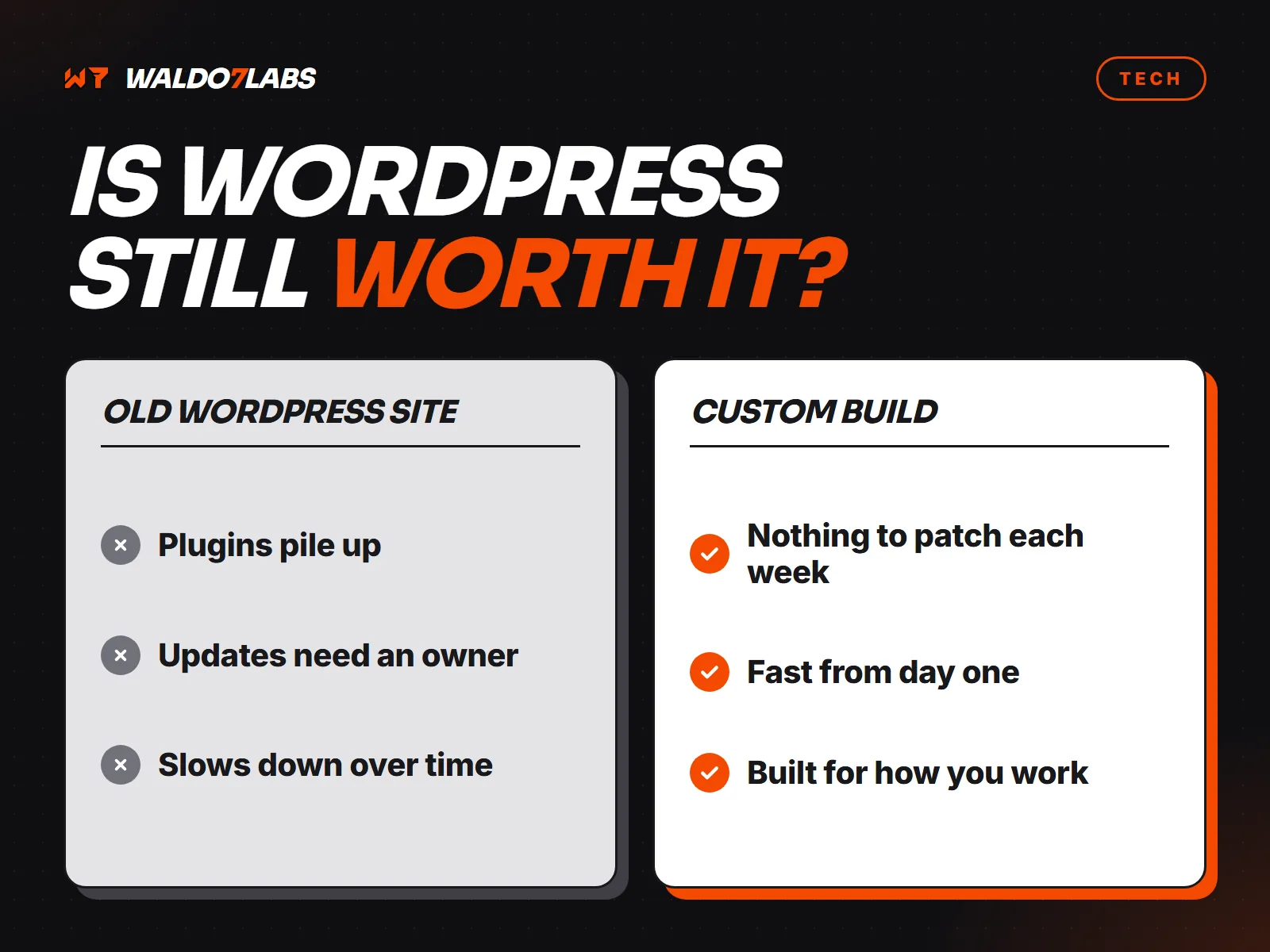
WordPress fits
- Several people post new pages every week
- Someone is paid to update it monthly
- You want a big plugin, like a membership site
- You enjoy tinkering and have the time
WordPress pinches
- You change your hours twice a year
- Nobody has logged in since it launched
- It loads slow on a phone over cell data
- Only your old designer has the admin login
Why nobody owning it is the real problem
Here is the part people do not hear when the site gets sold to them. WordPress itself, the theme (the design layer) and every plugin all need updates. They come out on their own schedules, from different companies.
Skip the updates and you fall behind on security fixes. Run them and once in a while a plugin clashes with another one and breaks the layout or the contact form. So somebody has to own that job, every month, forever. On most small business sites, nobody does.
Plugins pile up
A typical small business WordPress site I look at has a page builder, a form plugin, an SEO plugin, a security plugin, a slider, a cache plugin and a few nobody remembers installing. Each one is a door into the site and a little more code every visitor has to load.
Speed suffers on phones
Page builders load code for every feature on every page, used or not. On a laptop on good wifi you may never notice. On a phone in a parking lot on one bar of signal, your customer waits, gives up and calls the next listing. Why your site is slow on a phone shows how to test that in two minutes.
Hacked sites are usually forgotten sites
Most WordPress break ins come through an old plugin or theme, not WordPress itself. Bots scan the whole internet for known holes all day. A site with plugins that have not been touched in two years is exactly what they are looking for. The small business security checklist covers what to lock down either way.
The software is not the problem. The empty chair next to it is.
Five questions to grade your own site
Take ten minutes with these. Be honest. Nobody is grading you but you.
Grade your WordPress site
- Who updates it, and when did they last do it? "Someone, last month" passes. "I don't know" fails.
- How many plugins are installed, and do you know what each one does? A handful you can name passes.
- How fast does the home page load on your own phone, on cell data, wifi off? Your number and a button in about two seconds passes.
- Does the contact form still reach you? Send yourself a test right now from your phone. If it never arrives, that is a fail, and a costly one.
- Do you have your own admin login, and the login for the domain? If only your old designer does, that fails, whatever else is true.
All five pass? Keep your site. It is working, and a rebuild would be money spent on a problem you do not have. Put the money into getting more Google reviews instead.
Two or more fail? Read on. You can either hire someone to own the updates, or move to a site that does not need them.
Two ways out
Keep WordPress and pay for upkeep. A good managed WordPress host or a maintenance person updates everything monthly, keeps backups and fixes what breaks. That is a fair choice if you need what WordPress does well.
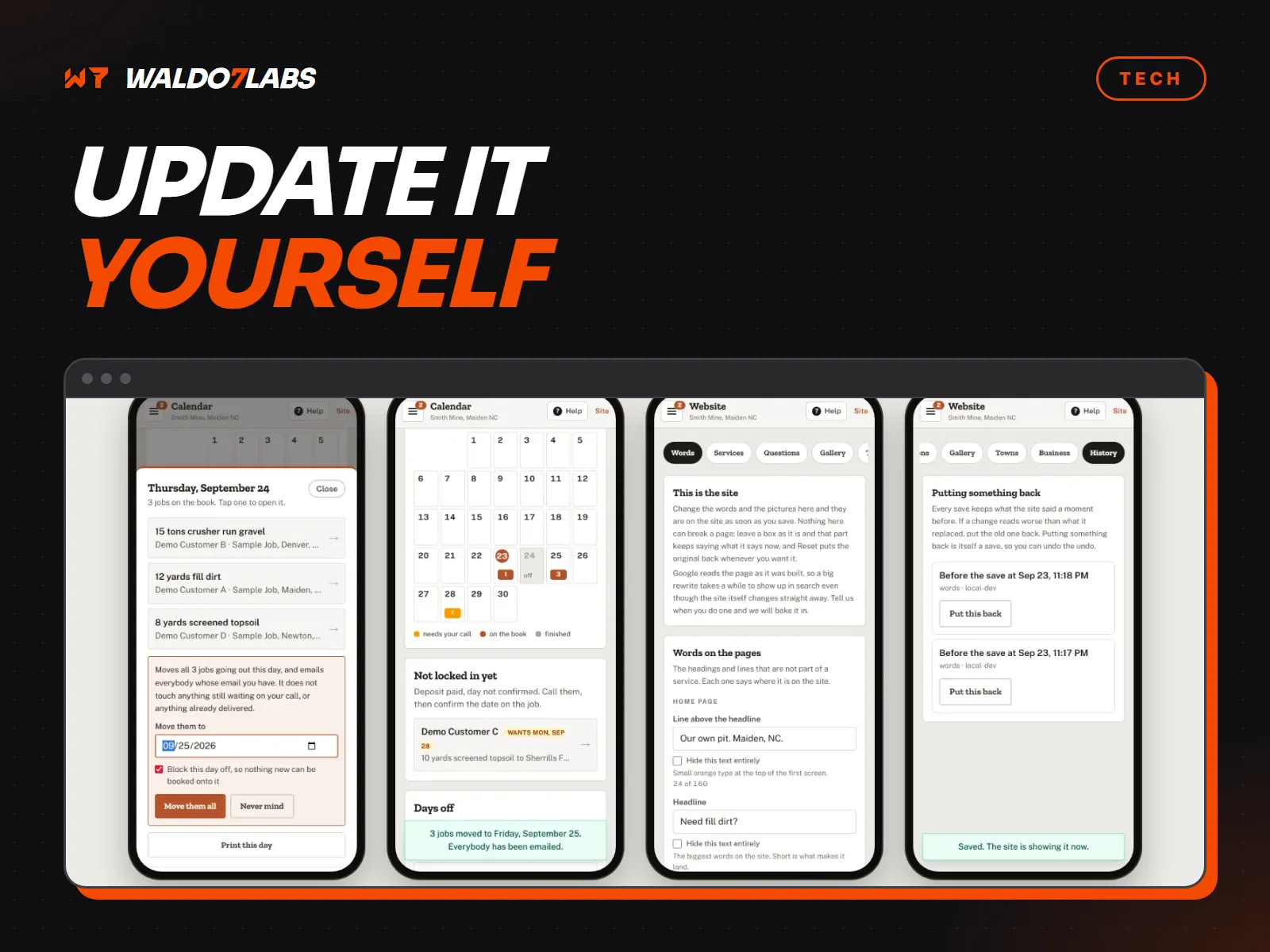
Move to a site with nothing to update. The sites I build are written for your business and then built ahead of time into plain files. There is no plugin stack to keep updated, and the pages people see are plain files, not pieced together from a database on every visit. Changes still happen, either by text to me or from your phone. How updates work without WordPress walks through all three ways.
How to switch without losing your Google rankings
This is the part that scares people, and it should get respect. Google has learned where your pages live. Move them carelessly and you can drop out of results you spent years earning. Done right, the move is boring. Here is the order I do it in.
List every page address on the old site
Service pages, blog posts, the contact page, old landing pages from ads. Google Search Console and the old sitemap both help. Nothing gets deleted until it is on the list.
Find the pages that bring people in
Search Console shows which pages get clicks from Google. Those pages move over with their words, and then get better. Throwing away a page that ranks is the most expensive mistake in a rebuild.
Send every old address to its new home
A 301 redirect is a permanent forwarding order. Someone who clicks the old address lands on the new page, and Google moves the credit over with them. Every old address gets one, even the odd ones.
Keep your name, number and town the same
Your business name, phone and service area should match your Google Business Profile word for word, before and after the move.
Launch, then watch Search Console
Submit the new sitemap. For the next few weeks, check for pages Google cannot find and fix them fast. A small dip for a week or two can happen. A big drop means a redirect is missing.
What the move costs
A move off WordPress is a new site, so it is priced like one. Here is how the three paths compare.
| Path | Up front | Every month after |
|---|---|---|
| Keep WordPress, do it yourself | $0 | Hosting, plugin licenses and your own time |
| Keep WordPress, pay for upkeep | $0 | A maintenance fee to a host or a person |
| Rebuild with me | Starts at $795 | Nothing required, or a care plan from $25 |
On my builds the redirects, moving your old words and photos, and the Search Console handover are part of the job, not extras. The exact number is on the pricing page and in your proposal before anything starts. With no care plan, the finished site and your .com go into your own accounts.
My honest take
I was an industrial electrician for over ten years before this. In a plant, nobody cares what brand the panel is. They care that it works, that somebody knows how it is wired, and that it does not trip at two in the morning. Websites are the same.
If your WordPress site has an owner and passes the five questions, leave it alone. If it does not, fix the ownership first. Sometimes that means a maintenance plan. Sometimes it means a site with nothing to maintain. Either way, you should know which one you have.
Quick answers
Is WordPress still good for a small business?
It can be. If someone updates it every month, it loads fast on a phone and the contact form reaches you, keep it. It becomes a problem when nobody owns the updates.
Will I lose my Google rankings if I leave WordPress?
Not if every old page address is sent to its new page with a permanent 301 redirect and the pages that bring in visitors are moved over. Skipping the redirects is what loses rankings.
Why does my WordPress site keep breaking?
Usually a plugin or theme update clashes with another plugin, or an old plugin stopped being supported. Each plugin is code from a different company on its own schedule.
How do I know if my WordPress site was hacked?
Strange redirects, spam pages showing in Google for your name, a security warning in Search Console, or a host email about malware. Change your passwords, starting with email, and get the site cleaned or rebuilt.
What does it cost to move off WordPress?
A rebuild is a new site, priced like one. My sites start at $795, and the move, the redirects and your old content are part of the job. Exact prices are on the pricing page.